
Last updated November 17, 2026
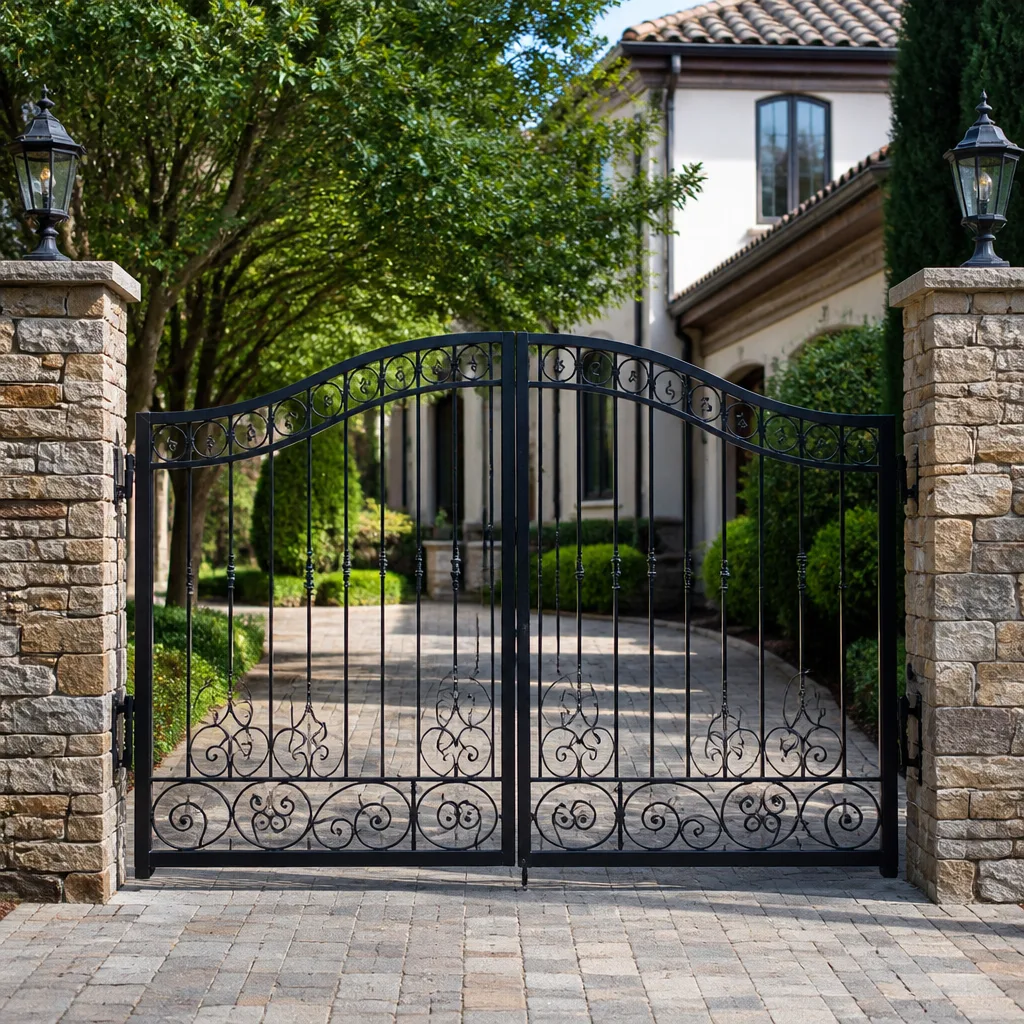 Wrought iron
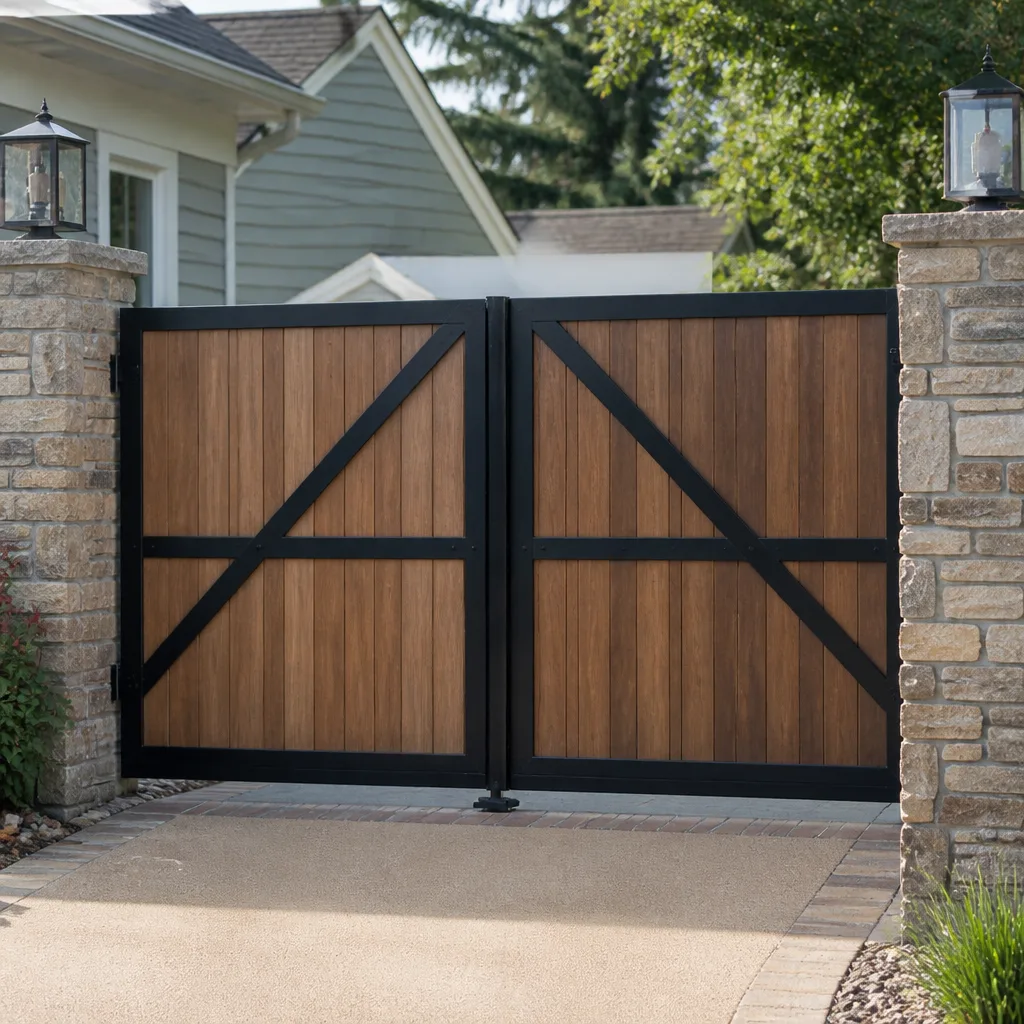 Wood & steel frame
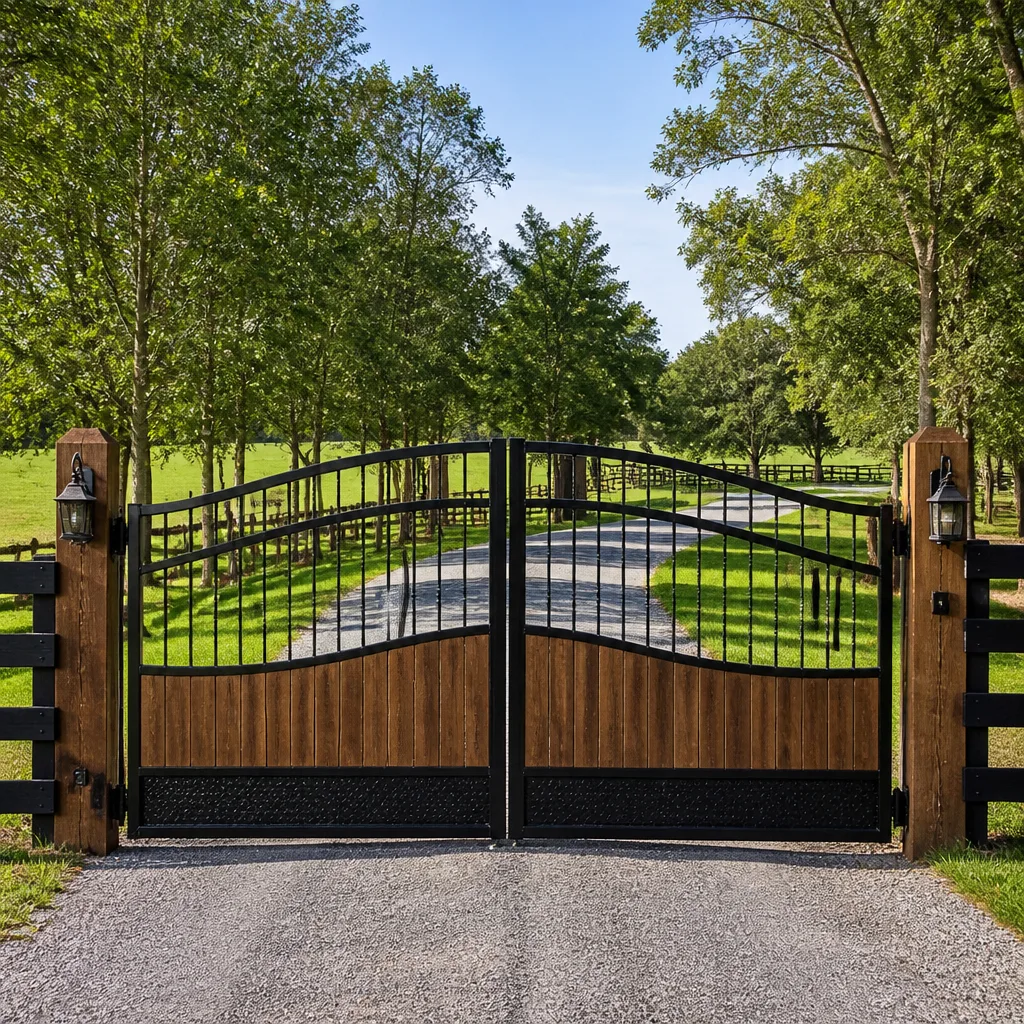 Farm & ranch
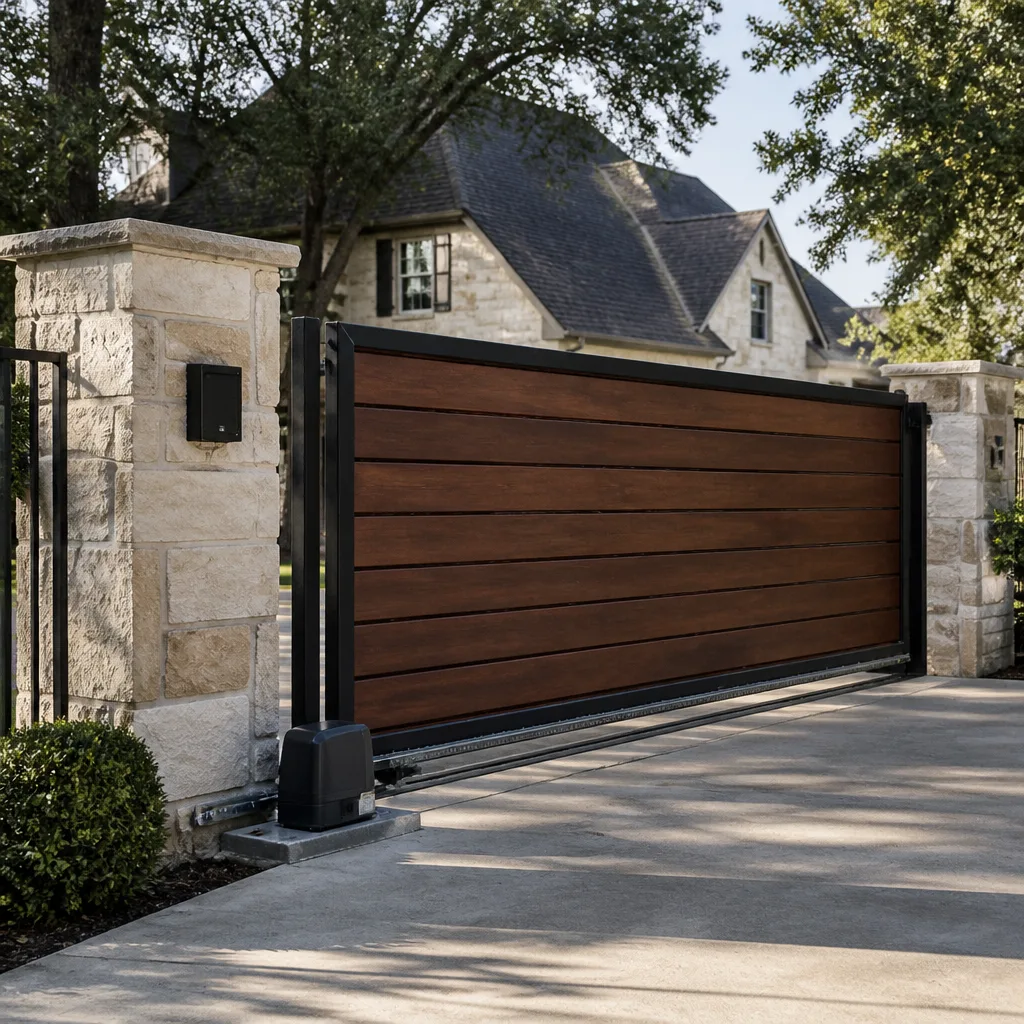 Sliding driveway gates
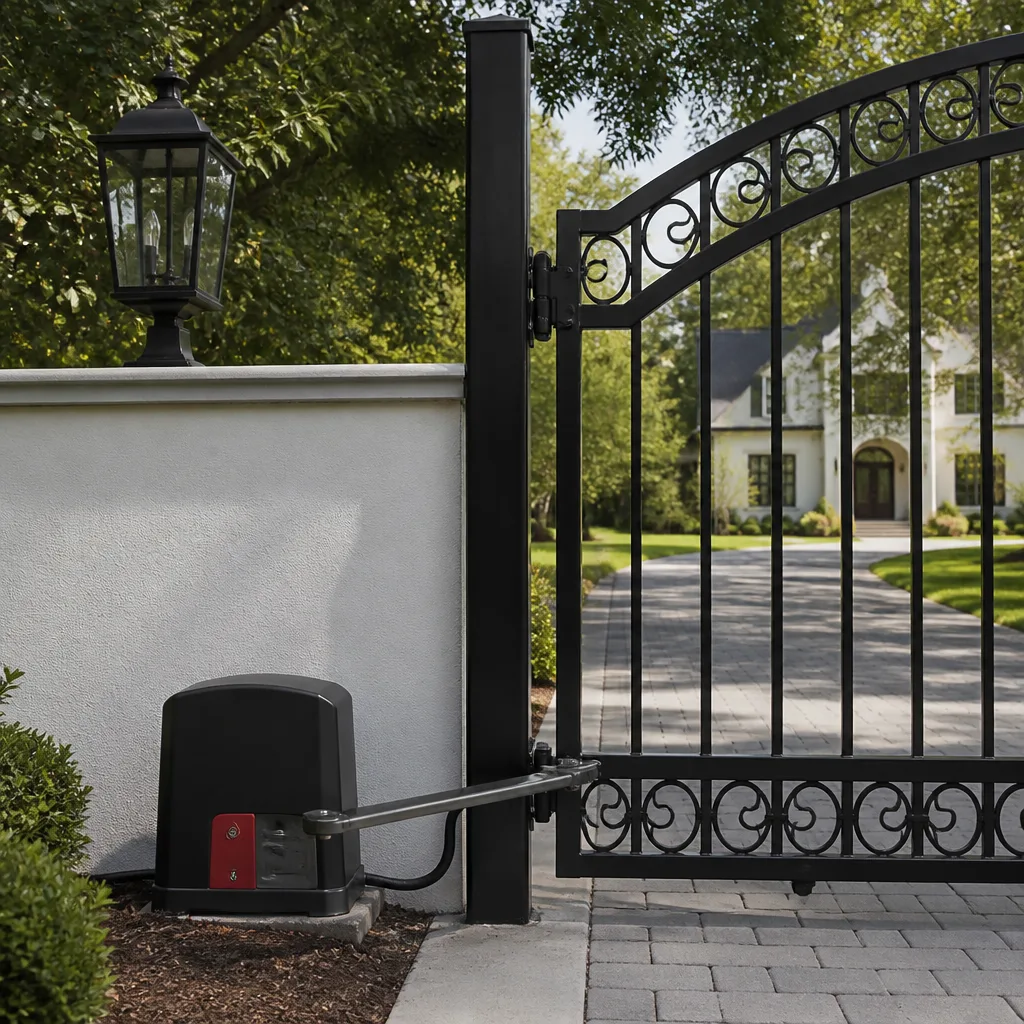 LiftMaster operators
Free on-site gate assessment - hinges, posts, and your LiftMaster or Nice gate operator checked before anything is quoted
The assessment is free and the quote is the invoice.
Get your free estimateHow Long Does Gate Access Control Take? Timelines and What to Expect
A gate opener can be bolted on in two hours. Getting the access control system to work correctly every time – for every authorized user, in every condition – typically takes two to three times as long, and that extra time is exactly what budget quotes leave out. Most homeowners searching this question are picturing the hardware going up, not the programming, testing, and commissioning that decide whether the system works on day 60 or fails on day 3. In this guide, we break the project into the four phases that actually consume the clock, explain why adding users compounds the time, and show what real testing looks like versus a technician who opens the gate once and calls it done. We work on gates across Boulder City, and we’ve seen what cut-rate installs cost to fix.
Quick Answer
A typical residential gate access control installation takes one to three days of on-site work for a simple single-operator system, and three to five days spread over several weeks for a multi-user setup with keypads, remotes, phone entry, and vehicle detection. The hardware itself is usually the fastest part – programming, testing, and a proper 30-day follow-up check-in are what push the total timeline. Older wiring, HOA requirements, and long power runs extend it further.
Styles & brands we work with
- Wrought iron
- Wood & steel frame
- Farm & ranch
- Sliding driveway gates
- LiftMaster operators
Table of Contents
- The Four Phases of a Gate Access Control Job
- Phase One: Assessment and Site Survey
- Phase Two: Hardware Installation
- Phase Three: Wiring and Programming
- Phase Four: Commissioning and Testing
- Why Multi-User Systems Compound Programming Time
- What Real Testing Looks Like
- What Stretches the Timeline
- The Follow-Up Visit Nobody Tells You About
The Four Phases of a Gate Access Control Job
Think of a gate access control job in four phases, not one. Assessment is the survey and planning stage. Hardware is the physical mounting of the operator, keypad, and any entry devices. Wiring and programming is where the system learns who gets in and when. Commissioning is the testing, tuning, and sign-off. Skipping or compressing any of these is how budget installs end up back on the phone two weeks later.
Here’s a realistic hour breakdown for a straightforward residential driveway gate on a property in or around Boulder City:
- Assessment and site survey: 1 to 3 hours
- Hardware installation: 3 to 6 hours
- Wiring and programming: 3 to 8 hours (more with multiple users or brands like DoorKing or LiftMaster commercial panels)
- Commissioning and testing: 2 to 4 hours
- 30-day follow-up visit: 1 to 2 hours
Add those up and you get a range of roughly 10 to 23 hours of hands-on work, spread over one to three days for a simple system, or across several weeks when the job needs permits, HOA approval, or a long power run. The physical installation is often the smallest slice of the pie. Programming and commissioning are where the real hours go.
Phase One: Assessment and Site Survey
Assessment is the phase most homeowners don’t know exists, and the one that catches problems early. A proper survey covers the gate frame and hinges, the slope of the driveway, the power source, the existing wiring (if there is any), the distances involved, and how you want people to get in. On a hundred-degree Boulder City afternoon, thermal expansion on a metal gate can throw off sensor alignment – a surveyor who knows the local climate accounts for that before the first bolt goes in.
Expect one to three hours for assessment on a typical residential job. What we look at:
- Gate condition: Is the frame straight, are the hinges solid, will the gate swing freely through its full arc?
- Power source: Where is the nearest supply, and how far does the run need to go? Long runs add wire, conduit, and time.
- Existing wiring: Old low-voltage runs from a previous system often fail the survey and need replacement.
- Access plan: How many users, how many entry devices (keypad, remote, phone app, vehicle sensor), and who needs temporary access?
- HOA and code: Some Boulder City-area HOAs require pre-approval for exterior additions, and we build that review into the schedule.
Assessment is also when we recommend which operator fits the gate. If the survey reveals a damaged hinge or a frame that’s been pushed out of square, that repair has to happen first. You can read more about how we handle Gate Repair in Winchester for the kind of structural work that sometimes gates an access control project.
Phase Two: Hardware Installation
Hardware installation is usually the fastest phase, and the one people picture when they imagine the job. Mounting an operator on a modern gate with clean power and a solid frame takes three to six hours. That includes bolting the operator, running the arm or slide track, mounting the keypad and any entry devices, and making the initial mechanical adjustments.
Where the hardware phase stretches:
- Old or off-square gates: A 20-year-old gate with a sagging hinge may need welding or hinge replacement before the operator can mount true.
- Sliding versus swing: Sliding gates need a proper track and stops; swing gates need operator arms sized to the leaf weight.
- Brand-specific fit: An Elite or Mighty Mule operator on the wrong gate will fight you all afternoon. Matching the operator to the gate is part of the craft.
- Weatherproofing: Desert sun, dust, and the occasional monsoon cell mean every enclosure and connection gets sealed properly – not skipped.
If you’re considering a new operator and not just access control on an existing one, our Gate Motor & Opener in Winchester page covers the brand lineup and what it takes to fit one correctly. If the gate itself needs replacing first, that changes the whole schedule – see Gate Installation in Winchester for the sequencing.
Phase Three: Wiring and Programming
This is where the real hours hide. Programming a single keypad with a single code takes 30 to 45 minutes. Programming a system where the homeowner, the spouse, three adult children, a housekeeper, a gardener, and two dog-walkers all have distinct codes, plus remotes for two cars, plus the phone app – that takes four to eight hours, and sometimes more. Each new user multiplies the testing surface, not just the data entry.
What programming actually involves:
- Wiring the keypad, entry devices, and operator control board: clean terminations, proper gauge, sealed connections.
- Setting codes and access levels: master codes, user codes, temporary codes for guests and contractors.
- Pairing remotes and phone app: each remote gets registered individually; the app needs the network configured, the user invited, and the permissions set.
- Configuring vehicle detection: safety loops, exit loops, or photo-eye alignment so the gate knows when a car is in the way.
- Programming open/close timing and safety reversal: the gate must reverse on obstruction, every time, at every point in its travel.
A DoorKing system with a telephone entry panel adds a step – the phone line or VoIP connection needs testing from multiple phones before the panels and app will work together. That extra step alone can add an hour or more.
Phase Four: Commissioning and Testing
Commissioning is where most budget installers quietly cut corners. Real commissioning takes two to four hours on a residential job. A technician who “tests” the system by opening the gate once and calling it done has not tested the system – they have confirmed the gate moves.
Proper commissioning is systematic:
- Every authorized user is tested individually: each keypad code, each remote, each phone, each vehicle sensor. All of them.
- Every safety reversal is checked: photo-eye obstruction, edge sensor contact, stall detection. Every obstacle, from every angle.
- Manual release is verified: the homeowner needs to be able to open the gate by hand during a power outage, and the release must work without tools.
- Battery backup is checked under load: the gate must complete a full cycle on battery alone.
- Weather conditions are considered: a gate that works in mild weather but binds in a Boulder City summer afternoon needs adjustment, not a return visit.
Commissioning is also when we walk the homeowner through the system operationally – how to add a code, how to disable a lost remote, how to reset after a power event. A properly commissioned system is one the homeowner can operate without calling us back the next day.
Why Multi-User Systems Compound Programming Time
The math on multi-user systems isn’t linear. A system with one user and one keypad has one code to program and about four tests. A system with ten users across three entry methods (keypad, remote, phone app) has thirty user-method combinations to test, plus every interaction between them, plus failure-mode testing on each. That’s why a one-user system might program in 45 minutes while a ten-user system takes six hours.
The compounding factors in a typical multi-user setup:
- Individual user codes: each one needs entry, exit testing, and validation.
- Vehicle remotes: each one pairs independently and each has to be tested at range and at close distance.
- Phone app users: each phone needs the app installed, the network verified, the account permissions set, then a live entry test.
- Contractor and temporary access: codes that expire on schedule or get revoked on request.
- Vehicle detection: the loop or photo-eye has to be tested against every authorized vehicle, not just one.
In our experience, the most common cause of “the gate won’t open for me” calls is a code or remote that was entered but never actually tested. When a technician sets ten codes and tests one, nine of them are guesses. That is why we test every user, every device, before we sign off.
What Real Testing Looks Like
Real testing looks boring. It’s a technician walking out to the gate with a clipboard, entering a code, watching the gate move, timing the cycle, entering a different code, watching again, and repeating for every user and every obstacle. It takes hours. What it prevents is a maintenance call two weeks later.
The difference between a proper test and a “test”:
- Proper test: every code entered, at cold, at hot (gate already cycling for ten minutes), and at night with reflection on the photo-eye.
- Proper test: obstruction placed at three points – near the hinge, mid-travel, near the strike – and the gate reverses on each.
- Proper test: manual release operated with the gate at rest and with the gate part-open in a power failure simulation.
- Proper test: the homeowner or family member operates the system independently while the technician watches, so a hidden step in the process surfaces now, not later.
- “Test”: one press of a remote, one cycle of the gate, “looks good,” hand over the keys and leave.
We build the proper test into every commissioning because the 90-Day Done Right Promise is written – if something wasn’t right, we come back and make it right. The best way to honor that promise is to test thoroughly enough that it stays unused.
What Stretches the Timeline
Most installs land within the ranges we’ve described. The ones that don’t usually hit one of these variables. Knowing them up front helps you plan.
- Older wiring infrastructure: a previous system’s low-voltage run is often corroded, unsupported, or undersized. Replacement alone can add a day.
- Long power runs: a gate at the far end of a quarter-mile driveway needs conduit, proper gauge wire, and a load calculation. That’s an electrical task, and it takes time.
- HOA pre-approval: some Boulder City-area HOAs require written approval for exterior additions. That review can add days to weeks before work starts.
- Gate repairs before automation: a hinge replacement or weld repair is not an access control task, but it has to happen before the operator goes on. Plan for it in the schedule.
- Permits: some jurisdictions require a permit for exterior electrical work. The permit itself can take a week or more to clear.
- Brand and integration complexity: a LiftMaster panel with a simple keypad is straightforward; a DoorKing entry system wired into an existing home phone network adds configuration steps.
Every one of these is why we measure before we quote. An honest timeline includes the variables, not just the easy cases.
The Follow-Up Visit Nobody Tells You About
A proper gate access control job includes a follow-up visit about 30 days after installation. This is not an upsell, and it’s not a sales call. It’s a check-in to see how the system has performed in real use and to correct anything that has drifted since commissioning.
What a 30-day visit covers:
- Real-world use review: how often users have actually operated the system, and whether any user has reported trouble.
- Re-testing of every user: every code, every remote, every phone, every sensor – because codes added after commissioning may not have been tested under load.
- Safety reversal re-check: photo-eyes and edge sensors get dusty and drift; the check-in catches it before it fails.
- Mechanical check: the operator arm, hinges, and track fasteners get a torque check after the initial settling period.
- Battery backup load test: the battery has been through a month of cycling; this confirms it still holds under a full gate cycle.
In our experience, the 30-day check-in catches small drift issues early – a photo-eye that needs a quarter-turn of the aim, a hinge bolt that has worked a fraction loose – before they become emergency calls. A budget installer who leaves after commissioning and never comes back isn’t saving the homeowner money; they’re just shifting the cost to a later repair.
Common Mistakes to Avoid
- Accepting a quote that doesn’t list programming hours separately. If programming is rolled into “installation” with no line item, the install will probably compress it, and your multi-user setup will be full of untested guesses.
- Skipping the assessment because “the gate’s already there.” Existing gates look fine until the operator goes on and reveals a hinge that’s been taking all the load for a decade.
- Adding a user in the middle of the job and assuming the contractor will just “add it.” Each user adds test time; last-minute additions push commissioning past the scheduled window and cheat the testing.
- Not asking who applies for the HOA approval. Some Boulder City-area HOAs need written sign-off before the exterior addition; if you don’t ask, you’ll find out when the job is scheduled and the approval hasn’t cleared.
- Accepting “we tested it, it works” without seeing every user tested. A one-press test tells you nothing about the fourth remote or the phone app for the housekeeper.
- Declining the 30-day check-in because “the gate is working fine.” The check-in is where small drift gets caught; skipping it is how a working system becomes a failing one in month four.
- Hiring a generalist for a brand-specific job. A DoorKing or Elite panel has its own logic and its own quirks; a generalist learning on your gate costs you time and money.
See the difference
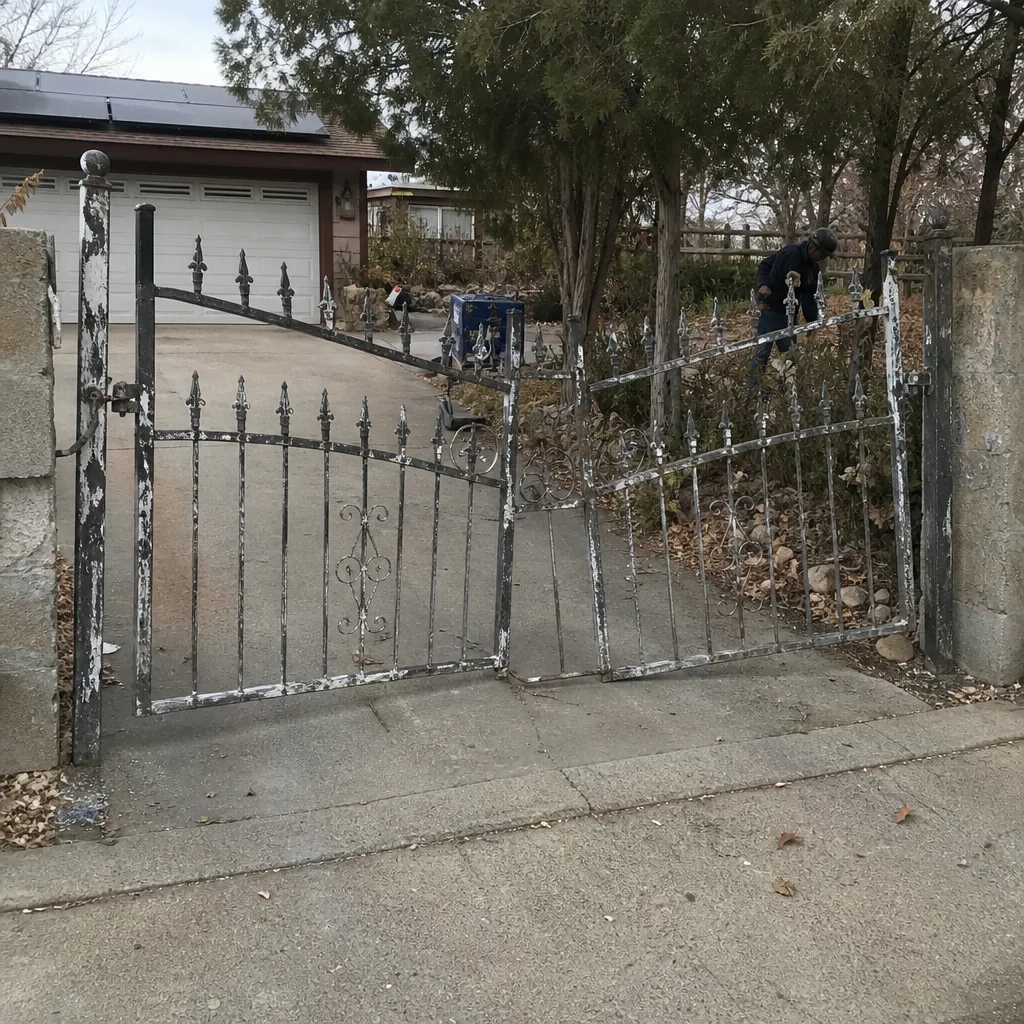 Before
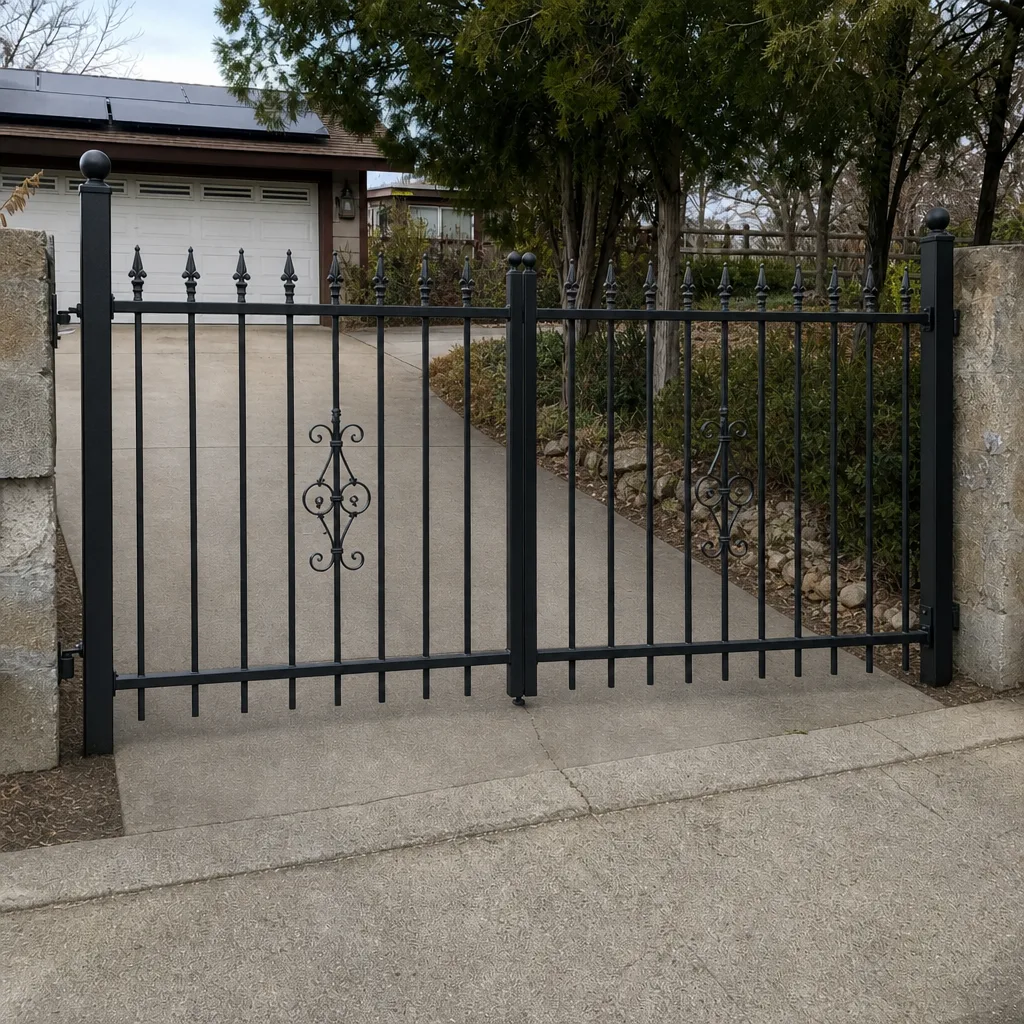 After
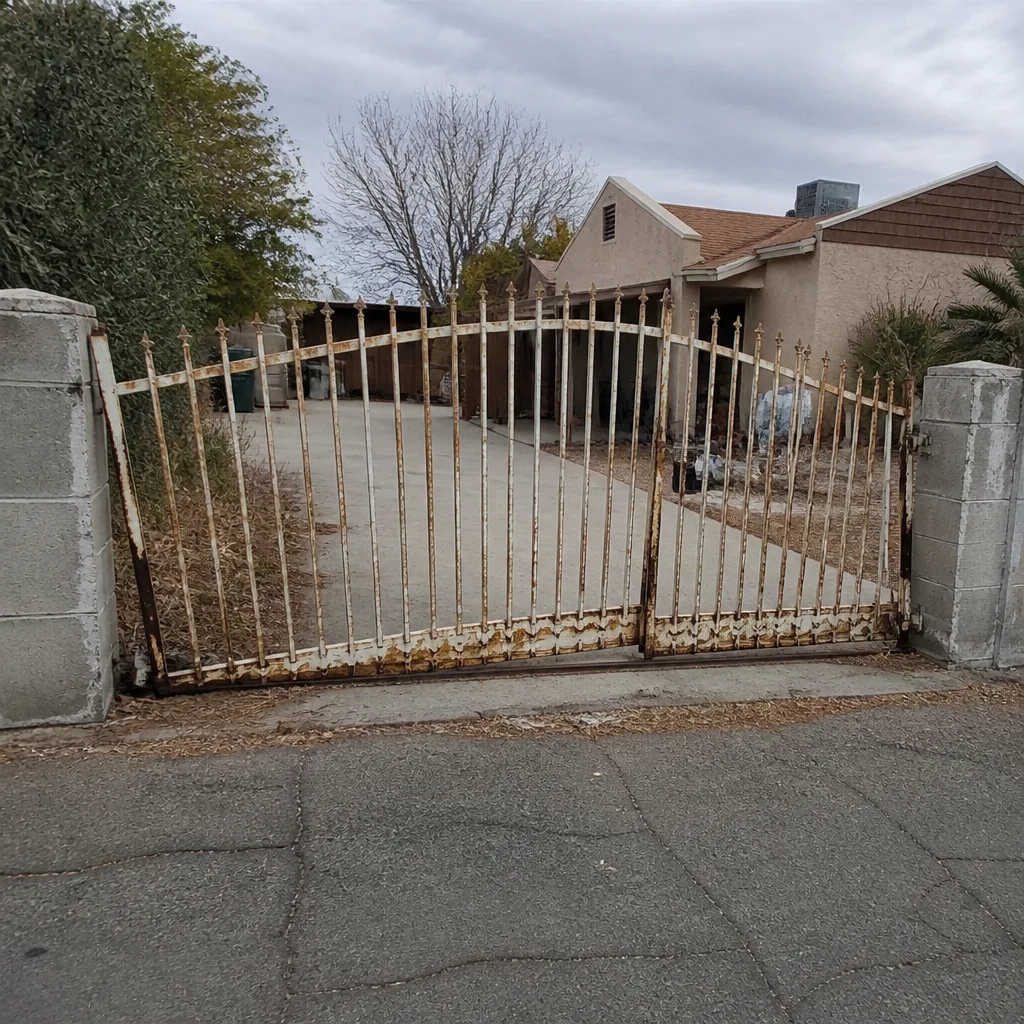 Before
 After
 Before
 After
When to Call a Professional
Call a professional before you buy an operator, not after. The right time to call is when you’re planning a new access control system, when your existing system has started failing intermittently, when you need to add users or vehicles to a system someone else installed, or when the gate itself has started to drag, sag, or lag. These are signs the whole system needs a survey, not just a quick repair. Access control on a driveway or estate gate involves low-voltage wiring, safety sensors, and mechanical load that has to be right the first time. Ironworks Gate Co. Boulder City offers free estimates in Boulder City – call (888) 276-7609. A live person answers every call, 24 hours a day, 7 days a week.
Frequently Asked Questions
For a typical residential job in Boulder City, expect one to three days of on-site work for a simple single-operator system and three to five days spread over several weeks for a multi-user setup with keypads, remotes, phone entry, and vehicle detection. The physical hardware install is usually the smallest part of the job; programming and commissioning take the most time. Call (888) 276-7609 for a free estimate specific to your gate.
The programming and commissioning is usually the longer part. Hardware on a clean gate takes three to six hours; programming a multi-user system takes four to eight hours, and commissioning takes another two to four. That’s why a quote that prices “installation” as one lump figure and doesn’t break out programming hours is a warning sign. Call (888) 276-7609 for a written estimate that separates the phases.
A multi-user system compounds testing non-linearly because each user-method combination has to be tested individually. One keypad and one remote is one test; ten users across three entry methods is thirty combinations plus safety and failure-mode testing. That’s why a one-user system programs in under an hour and a ten-user system takes six hours or more. Call (888) 276-7609 and we’ll walk you through what your specific user count will require.
Yes – a 30-day follow-up visit is part of a proper job, not an upsell. It’s when we re-test every user, check safety reversal under real conditions, torque the fasteners after the settling period, and confirm the battery backup holds under load. It’s how small drift gets caught before it becomes a repair. Call (888) 276-7609 to schedule an estimate and lock in the follow-up visit as part of the job.
Usually yes, but the assessment phase will tell us whether the gate needs structural work first. A hinge replacement, weld repair, or frame straightening is often necessary before the operator goes on. We handle both – access control and gate repair – so you’re not coordinating two contractors. Call (888) 276-7609 for a free survey.
We’re trained and equipped on nine major gate-automation brands, including DoorKing, Elite, Mighty Mule, LiftMaster, FAAC, BFT, Linear, Viking, and Ghost Controls. Brand-specific programming is a large part of what we do, which is why we can usually make the correct fix on the first visit rather than guessing. Call (888) 276-7609 to discuss your system.
The Bottom Line
Gate access control is not the same job as hanging a gate opener. The hardware is a matter of a few hours; the programming, testing, and 30-day follow-up are where a proper job lives, and they usually take longer than the hardware does. A realistic total of 10 to 23 hands-on hours across one to five days is what a correct installation looks like – anything that promises same-day completion on a multi-user system is compressing something that shouldn’t be compressed. The 90-Day Done Right Promise exists because we test thoroughly enough to make sure you’ll never need it. If you’re planning a system, start with a survey. Call (888) 276-7609 for a free estimate, and we’ll give you a written timeline for your specific gate, in your specific Boulder City setting. If you want a broader look at what we do, visit our Ironworks Gate Co. Boulder City home.
Written by the team at Ironworks Gate Co. Boulder City.