
Last updated November 17, 2026
 Wrought iron
 Wood & steel frame
 Farm & ranch
 Sliding driveway gates
 LiftMaster operators
Free on-site gate assessment - hinges, posts, and your LiftMaster or Nice gate operator checked before anything is quoted
The assessment is free and the quote is the invoice.
Get your free estimateGate Access Control Troubleshooting: Common Problems and How to Fix Them
A keypad that worked yesterday and doesn’t work today has, in most cases, not broken at all. In our experience across Boulder City driveways, roughly seven out of ten “dead keypad” calls trace back to something in the environment that changed: the home network dropped, a code locked itself out after repeated failed entries, or a firmware update quietly reset a setting nobody touched. The hardware is fine. The system around it moved. This guide separates access control failures into the two categories that actually matter, physical and system, and gives you a clear diagnostic path for each so you stop checking the wrong thing.
Quick Answer
Gate access control troubleshooting starts with one test: if your gate still opens from the hardwired override, a manual release, or a handheld remote, the gate and operator are healthy and the fault sits upstream in the access control system. From there, system faults (keypad, app, WiFi, cellular) get fixed by working the network path in order, while physical faults (dead keypad, no power, damaged cable) get fixed at the hardware. Most keypad lockouts clear with a timed wait or a master reset; anything touching the control board or an underground cable run needs a trained technician.
Styles & brands we work with
- Wrought iron
- Wood & steel frame
- Farm & ranch
- Sliding driveway gates
- LiftMaster operators
Table of Contents
- Physical vs. System Failures: The Two Diagnostic Paths
- The Network-Dependent Failure Checklist
- Keypad Lockouts: Why Your Code Suddenly Stops Working
- Wiring Fault Diagnosis for Hardwired Keypads and Intercoms
- The Override Test: Is It the Gate or the System?
- Boulder City Climate and Access Control Wear
- What’s Beyond DIY Scope (and Why It Matters)
- Common Mistakes to Avoid
Physical vs. System Failures: The Two Diagnostic Paths
Every access control problem you will ever face belongs to one of two families, and the troubleshooting approach for each is close to opposite. Physical failures live in the metal and the wire: a keypad full of desert grit, a corroded underground run, a failed control board, a transformer that gave up. You diagnose those by starting at the hardware and working toward the gate. System failures live in the network and the software: a dropped WiFi connection, a cloud account that lost its credentials, a firmware update that reset a relay. You diagnose those by starting at the network and working toward the gate. Treating a system failure like a physical one is why homeowners spend an afternoon with a multimeter on a keypad that was never the problem.
Here is the split in plain terms:
- Physical faults: no power at the keypad, physical damage, water intrusion, corroded terminals, a bad cable run, a failed control board, a seized lock or strike.
- System faults: WiFi or cellular link down, router rebooted and the gate never rejoined, app server outage, expired account credentials, access schedule changed, firmware reset.
The confirming test is the same for both, and we cover it below under the override test. If the gate opens from a hardwired switch or a handheld remote but the keypad and app do nothing, you have a system fault and you should not touch the hardware. If nothing opens it, you have a physical fault and the hardware is your starting point. In Boulder City we see a steady mix of both, and the split is usually obvious within two minutes once you run the override test first.
The Network-Dependent Failure Checklist
For WiFi and cellular-connected access systems, the fix order matters. Work these steps top to bottom and you will clear the majority of “the app says the gate is offline” calls without a truck roll.
- Reboot the router first. Unplug it for a full 30 seconds, plug it back in, and wait until the home network is fully back before touching the gate. Half the time this is the whole fix. The gate controller reconnects on its own within a few minutes.
- Check signal strength at the gate, not in the house. A router that blankets the kitchen can leave the gate controller with a weak or dropped link at the far end of the driveway. Look at the signal indicator on the controller or in the app. If it shows one bar or “poor,” the network is your problem, not the keypad.
- Check the app or manufacturer server status. Cloud services go down. Before you spend an hour on hardware, confirm the service itself is up. A quick look at the app’s status message or the manufacturer’s support page settles it.
- Re-enter your account credentials. A password change on the home network or a forced account update can silently log the controller out. Sign out of the app and back in, and confirm the controller is still paired to your account.
- Confirm the schedule and permissions. If codes and app users are separate, confirm your code is still active and within its allowed access window. A schedule that slipped past its end date quietly locks everyone out.
Note that a gate controller on a cellular module follows the same order, minus the router step; check the module’s signal indicator and the account instead. If your system uses a LiftMaster or FAAC controller with cloud access, those steps apply the same way. In Boulder City, where a fair number of driveways sit well back from the street, weak signal at the gate pad is one of the most common causes we find, and relocating or adding a network extender usually ends the trouble for good.
Keypad Lockouts: Why Your Code Suddenly Stops Working
Most keypads lock themselves out after three to five failed code entries, and that lockout is a security feature, not a fault. It usually gets triggered by a child, a visitor, or a homeowner mistyping the code under pressure, sometimes on a cold morning with thick fingers. When the keypad is locked, it accepts nothing at all, which leads people to assume the unit died. It hasn’t. This is the single most common “broken” keypad we diagnose in Boulder City, and clearing it is often a matter of patience.
What to do when the keypad is locked out:
- Wait it out. Most units lock for 30 seconds to a few minutes after the failed attempts, then accept codes again. Many homeowners call us before the timer has even expired.
- Do a master reset if you have the code. A master reset on most residential keypads clears the lockout and restores the default, but it also wipes stored user codes, so you need to re-enter them afterward. Keep your master code written down somewhere secure, not taped to the post.
- Check the battery on wireless keypads. Wireless units on Mighty Mule or Linear systems run on batteries that fail faster in temperature swings. A weak battery causes erratic entry behavior that mimics a lockout.
- Confirm the code wasn’t deleted. If other codes work but yours doesn’t, the code was likely removed from memory, not locked out. Re-add it through the master menu or the app.
If the keypad accepts every digit but the gate won’t open, you’re not locked out at all, and you should move to wiring or the control board. Lockout means no response to any entry. That difference tells you where to go next.
Wiring Fault Diagnosis for Hardwired Keypads and Intercoms
Hardwired keypads and intercoms fail on the wire far more often than on the component. A single voltage reading tells you which side of the wire you’re on, and that reading saves you from replacing a keypad that was never faulty. Before we walk through the reading, one caution: this is a low-voltage check, but working near a gate operator involves mains power and moving metal. If the meter reading isn’t your comfort zone, that’s the point to call a technician. What we’re explaining here is how the diagnosis works, not a do-it-yourself repair.
How a voltage drop reading points to the cause:
- Read the voltage at the keypad terminals and compare it to the reading at the control board. Most hardwired systems run 12 or 24 volts, and a healthy run loses only a little over distance.
- A large drop at the keypad with a normal reading at the board means the underground run is the problem: corroded splices, water intrusion, a cable nicked when someone dug along the fence line, or a junction box that filled with rain. The keypad is fine; the wire is dying.
- No drop, but the keypad still won’t communicate points you toward the board itself or the keypad’s internal electronics.
- A board that reads low at its own supply terminals moves the problem back to the transformer or the incoming supply.
In Boulder City, the summer heat and the occasional monsoon runoff are hard on underground runs, and we find corroded splices in older driveway installations more than anything else. If the cable is the fault, replacing the run is usually cheaper than continuing to replace keypads every season. It’s worth a free second opinion if you’ve already replaced the keypad once.
The Override Test: Is It the Gate or the System?
Before any other diagnostic step, run the override test. It’s one motion, and it tells you which of the two diagnostic paths you’re on.
- Press the hardwired override (the wall switch, a handheld remote programmed to the operator, or the manual release if the gate is stuck closed).
- If the gate opens from the override, the operator and gate are fine. Your fault is upstream in the access control system. Go to the network checklist.
- If the gate does not open from the override, the fault is downstream in the hardware. Go to the wiring and hardware checks.
This single test resolves the confusion in the vast majority of calls before any tool comes out, and it’s the first thing our technicians do when they arrive. If your gate responds to a LiftMaster handheld remote but the keypad is dead, the operator, motor, and mechanism are all healthy; the keypad or its wiring is the fault. If nothing opens it, the operator itself needs attention and you’ll get further faster with a gate repair technician than with a keypad checklist.
Boulder City Climate and Access Control Wear
Access control in Boulder City lives in conditions that punish outdoor electronics, and knowing the local pattern saves you from misdiagnosing weather damage as a system fault. The desert dryness is not the enemy; the swings are. Morning and afternoon temperature swings of 30 degrees or more on a Spring day work on keypad seals and battery contacts the way they work on everything else outside, and the summer heat pushes batteries past their rated life. Monsoon-season rain, when it comes, finds every failed seal on a keypad or intercom button and corrodes it, and windblown desert grit works its way into keypad buttons and jams the contacts.
What we’ve learned to expect from Boulder City access control:
- Keypads on the sun-facing post fail faster than shaded ones, and a battery in direct afternoon sun may die a year sooner than its rated life.
- Wireless keypads go erratic in the temperature swings before they fail outright; replace the battery at the first sign of trouble, not after.
- Underground runs exposed to monsoon runoff corrode at splices; keep covers and conduit intact.
- Gate-mounted intercoms and cameras collect grit at the buttons and lenses; a soft brush every few months extends their life more than any setting change.
The pattern is simple: in Boulder City, more keypads are killed by heat, grit and water than by the network. That’s another reason to run the override test first. If the gate opens by remote, the hardware is alive and the problem is upstream, even on a 100-degree day.
What’s Beyond DIY Scope (and Why It Matters)
Some access control problems have no safe or satisfying home fix, and pushing into them can cost more than a service call. Three categories belong with a trained technician: the control board and its terminals, the underground cable run when it needs replacing, and system re-commissioning when a controller has been reset or replaced. Here’s why.
- Control board work. The board carries mains voltage alongside low-voltage signal paths, and a wrong probe placement can fry the board or, worse, put line voltage where it doesn’t belong. Only a trained technician should open that box.
- Underground cable replacement. Excavating and splicing a buried run correctly involves proper gauge, watertight splices, and knowing where the run actually lies. A poorly spliced replacement corrodes again within a season.
- System re-commissioning. After a board replacement or a full reset on a LiftMaster, FAAC, BFT, DoorKing or similar controller, the operator has to be re-learned and every user re-entered. Doing this wrong can trip travel limits or leave the gate short on safety-reversing, and it may void the manufacturer’s support agreement if done out of sequence.
On top of the safety side, attempting board-level or re-commissioning work yourself often voids the manufacturer’s warranty and support on the operator. That’s a real cost, and in our experience the homeowner rarely knows it until the support line asks who did the work. This is the work Ironworks Gate Co. Boulder City is equipped for, and we’re trained on nine major brands including LiftMaster, FAAC, BFT and DoorKing, so the correct fix happens on the first visit.
Common Mistakes to Avoid
- Replacing the keypad first. Nine times in ten the keypad is fine and the fault is upstream. Run the override test and check the network before you buy a replacement.
- Assuming a dead keypad is broken. It may just be locked out after three to five failed entries. Wait the timer out before you call anyone.
- Ignoring weak WiFi at the gate. A router that works great in the house can leave the gate controller with a dropped link. Check signal at the gate, not in the living room.
- Splicing a corroded underground run with tape. A taped splice fails again the first wet season. If the run is bad, replace it properly.
- Skipping the router reboot because it feels too simple. It clears a large share of “gate offline” trouble, and it costs nothing to try first.
- Attempting board-level repairs. It risks the board, the operator, and the manufacturer’s support. This one belongs with a trained technician.
- Not writing down the master code. When a lockout or reset hits, the master code is the difference between a five-minute fix and a service call. Keep it somewhere secure and off the post.
See the difference
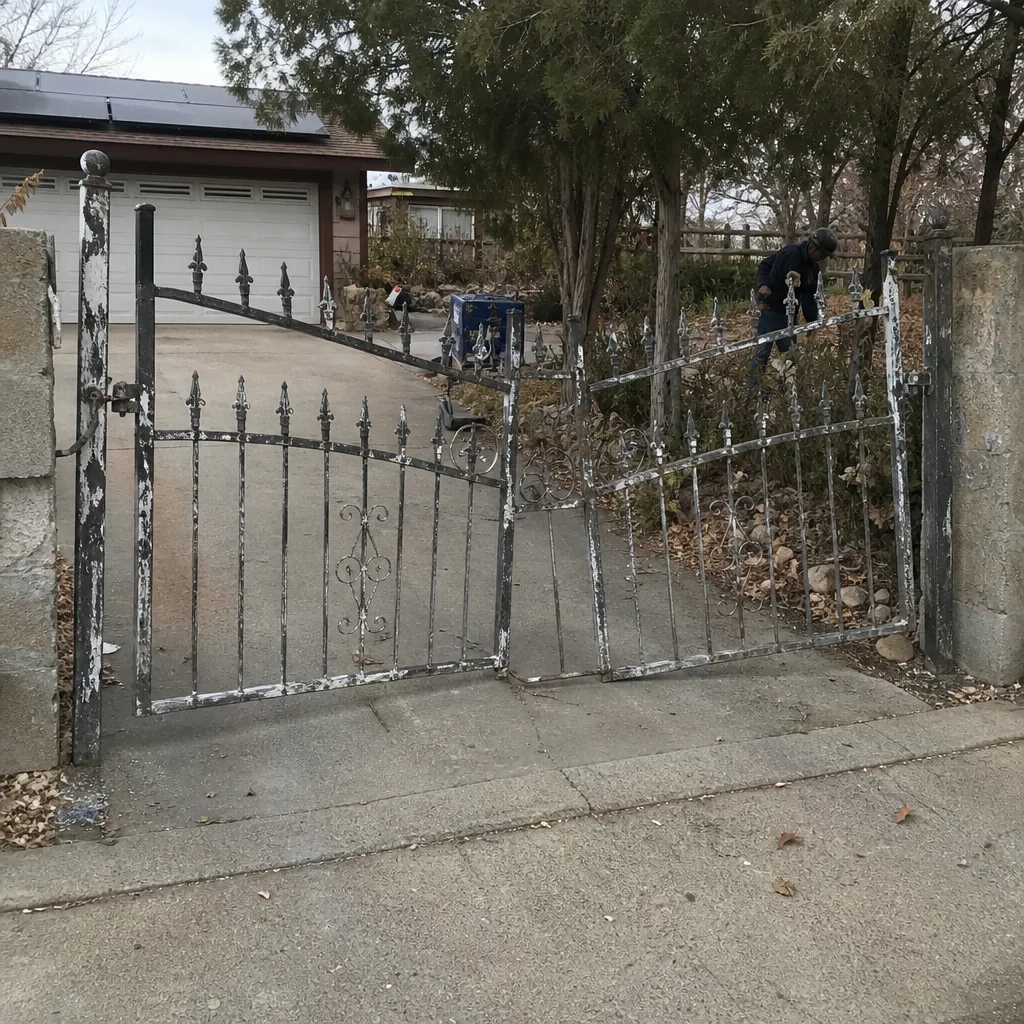 Before
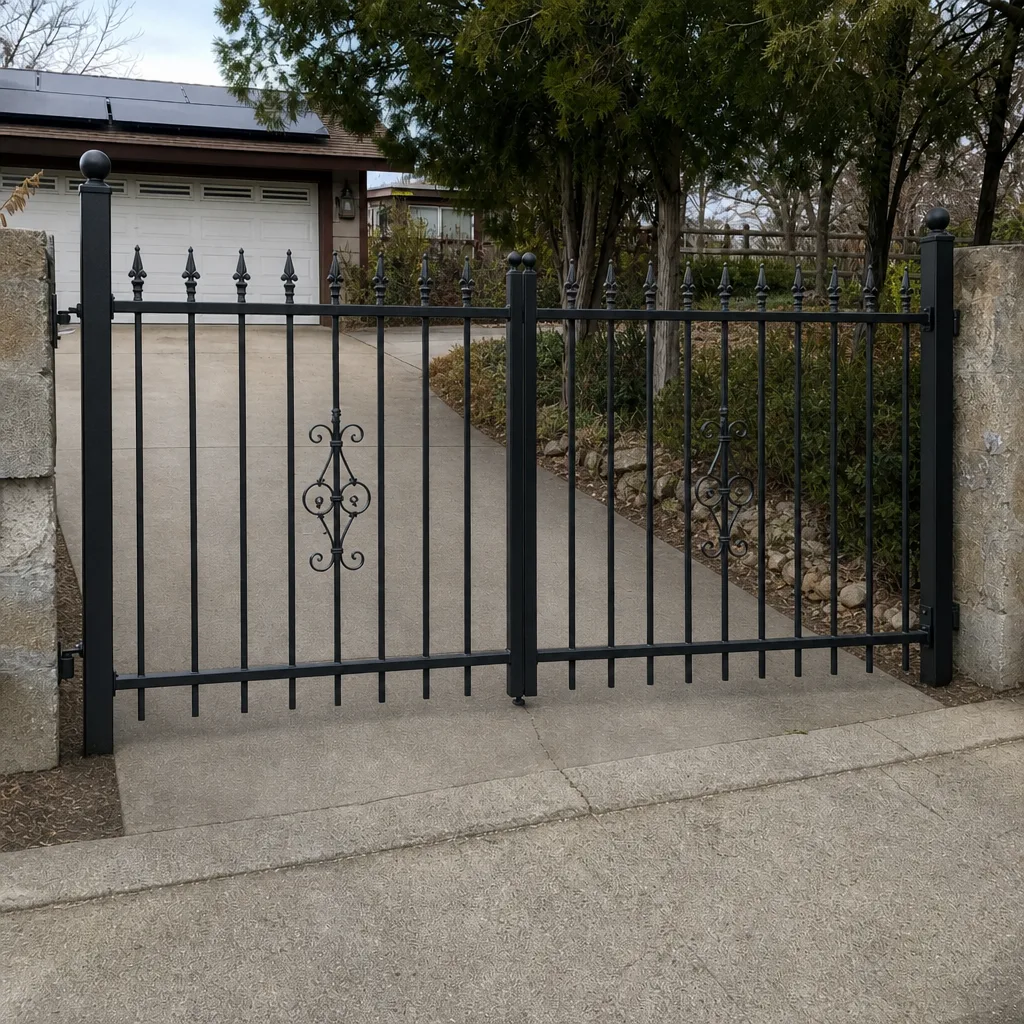 After
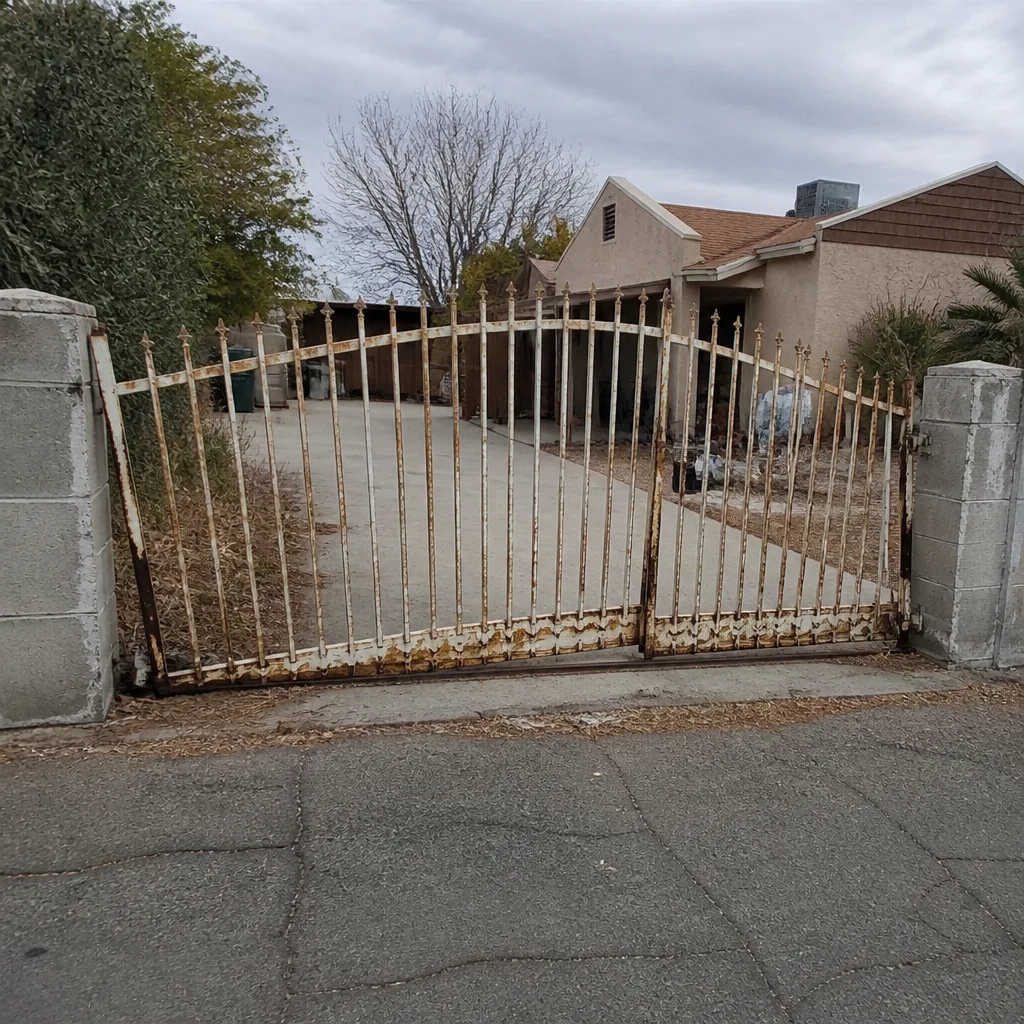 Before
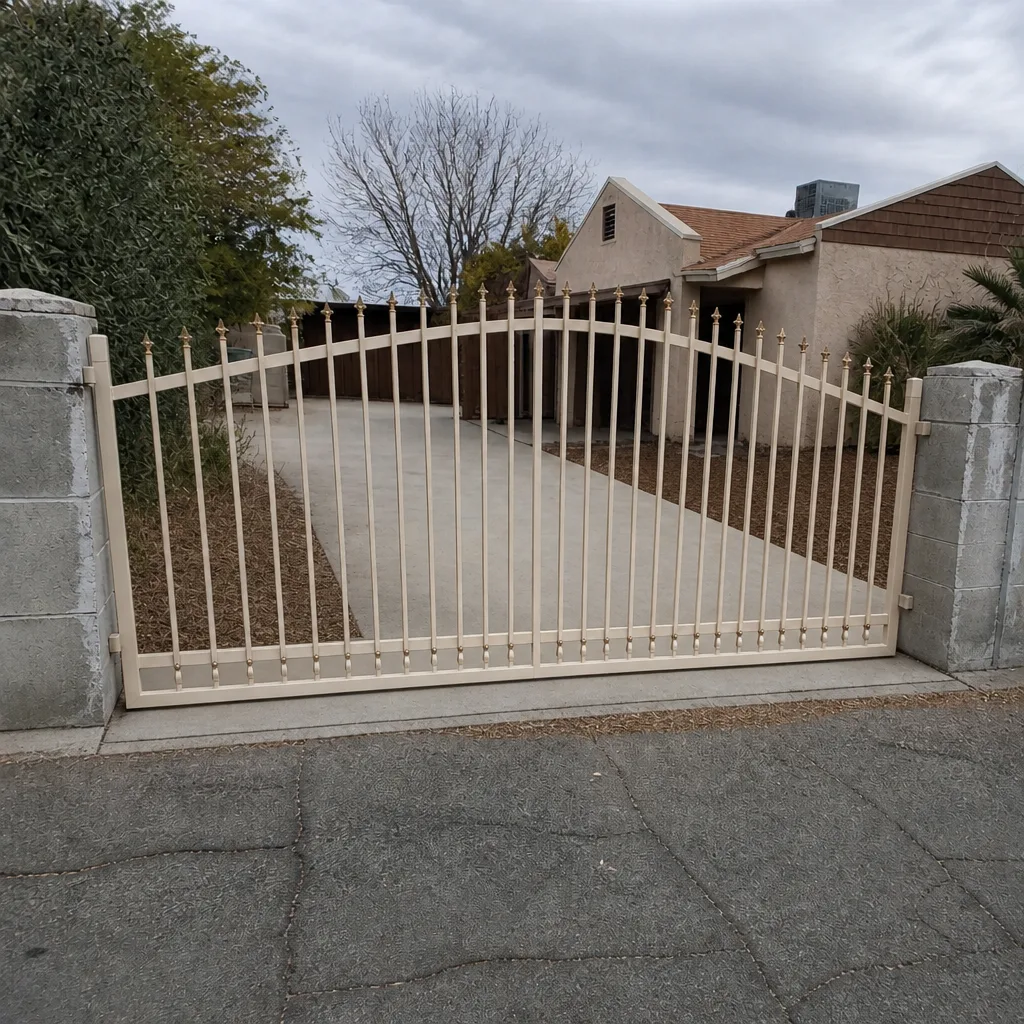 After
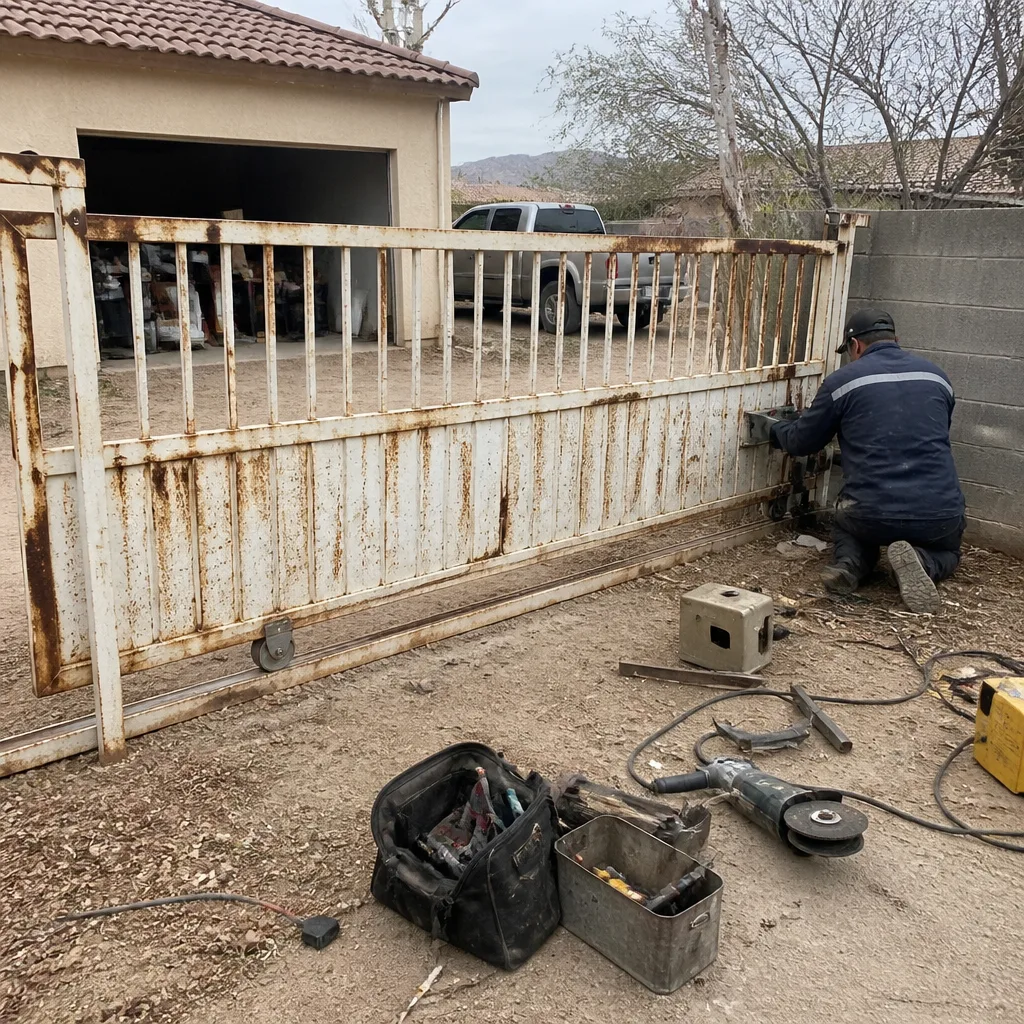 Before
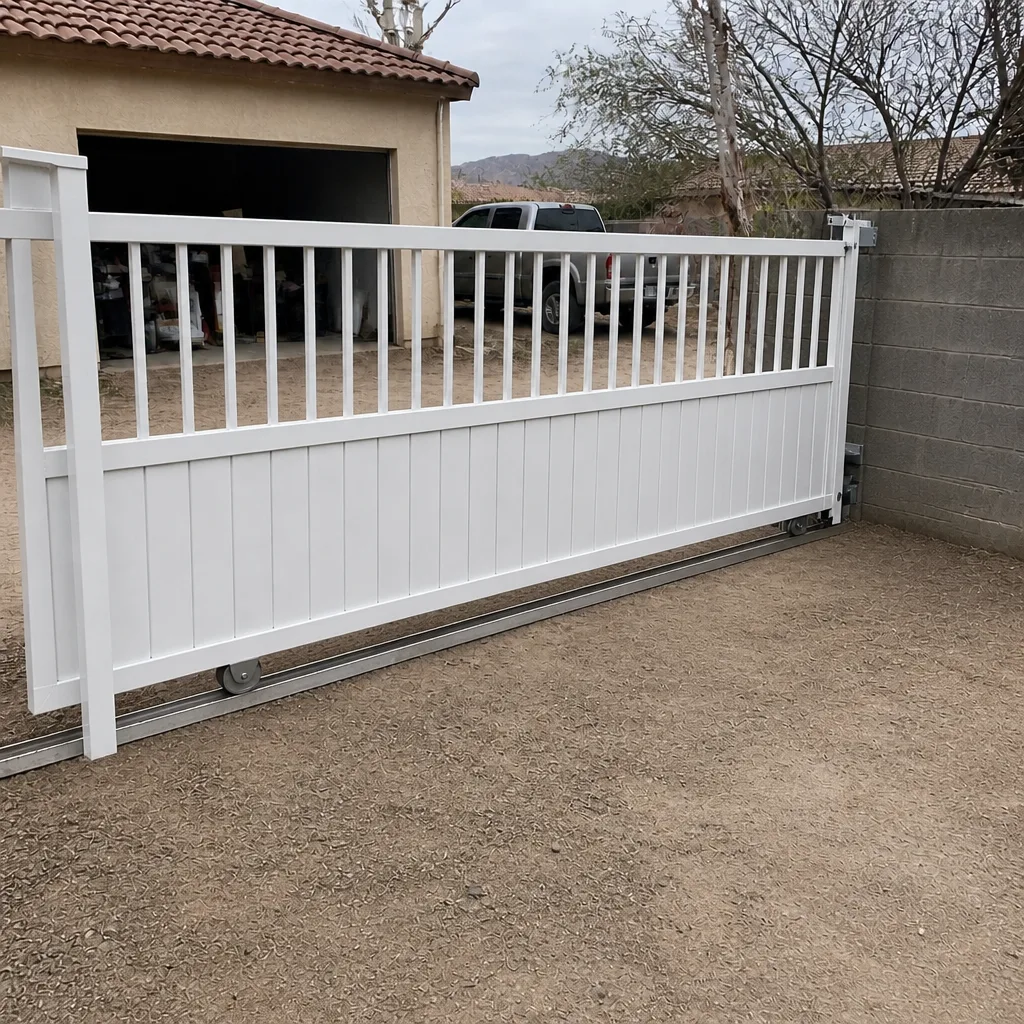 After
When to Call a Professional
Call a trained technician when the override test fails (nothing opens the gate), when a voltage reading points to a dead underground run, when the control board needs service, or when a controller has to be re-commissioned after a reset or replacement. Call sooner if a keypad has already been replaced once and the trouble came back. Those are not failed DIY attempts; they’re diagnostics the right tools and a meter reading settle in minutes. Ironworks Gate Co. Boulder City offers free estimates in Boulder City, backs every job with our 90-Day Done Right Promise, and answers the phone 24 hours a day. Call (888) 276-7609 and we’ll tell you honestly whether it’s a five-minute fix or a service call. Every price is quoted and agreed before any work starts, so there are no surprises on the bill.
Frequently Asked Questions
In most cases the keypad didn’t break; something in its environment changed, usually a dropped network connection, a lockout after repeated failed code entries, or a firmware update that reset a setting. Run the override test first: if the gate still opens by remote or hardwired switch, the fault is upstream in the system and the network checklist is your starting point.
Press the hardwired override or try a handheld remote. If the gate opens, the gate and operator are healthy and the fault is upstream in the access control system, so start with the network. If nothing opens the gate, the fault is downstream in the hardware or the operator. That one test decides your path. Call (888) 276-7609 for a free second opinion if the result is unclear.
A keypad that lights up and accepts digits but doesn’t open the gate is not locked out; it’s communicating but the signal isn’t reaching the operator, which points to the wire or the control board. A voltage reading at the keypad versus the board usually settles it. A trained technician can read it in minutes, and estimates are free.
Yes, in many cases opening the board or re-commissioning the operator out of sequence can void the manufacturer’s warranty and support on the unit, especially on LiftMaster, FAAC, BFT and similar controllers. That risk is why we recommend keeping board-level work and system re-commissioning with a trained technician. Call (888) 276-7609 to have us take a look.
Most troubleshooting visits in Boulder City fall in a modest diagnostic range, and the exact quote is settled before any work starts so there are no surprises on the bill. We’re trained on nine major gate-automation brands, so the correct fix usually happens on the first visit. Call (888) 276-7609 for an exact quote; estimates are free, and we also offer a free second opinion on any written estimate.
No. An app that reports the gate offline almost always means the network link or the cloud account, not the gate. Reboot the router first, then check signal strength at the controller, the app’s server status, and your account credentials, in that order. That sequence clears most offline reports without a service call. If it doesn’t, call (888) 276-7609.
The Bottom Line
The whole of access control troubleshooting comes down to one question and one test: is this a physical fault or a system fault? Run the override test. If the gate opens by remote or hardwired switch, the fault is upstream, so start with the router, then signal at the gate, then server status, then credentials. If nothing opens it, the problem is the hardware or the operator. Most “dead keypad” calls are really lockouts or dropped networks. Anything touching the control board, an underground cable, or system re-commissioning belongs with a trained technician, who will also protect your manufacturer’s support. Done right the first time is cheaper than guesswork, and that’s the standard we hold ourselves to at Ironworks Gate Co. Boulder City.
When you’re ready for a hand, reach out. Ironworks Gate Co. Boulder City is your dedicated gate specialist in Boulder City, and our technicians have up to 13 years of experience on the leading gate-automation brands, so the correct fix is done right and backed in writing by our 90-Day Done Right Promise. Call (888) 276-7609 for a free estimate. If you’re weighing a repair against a replacement, our gate installation page explains the trade-offs, and if the operator itself is the fault, our gate motor and opener service covers every major brand.
Written by the team at Ironworks Gate Co. Boulder City.