
Last updated November 17, 2026
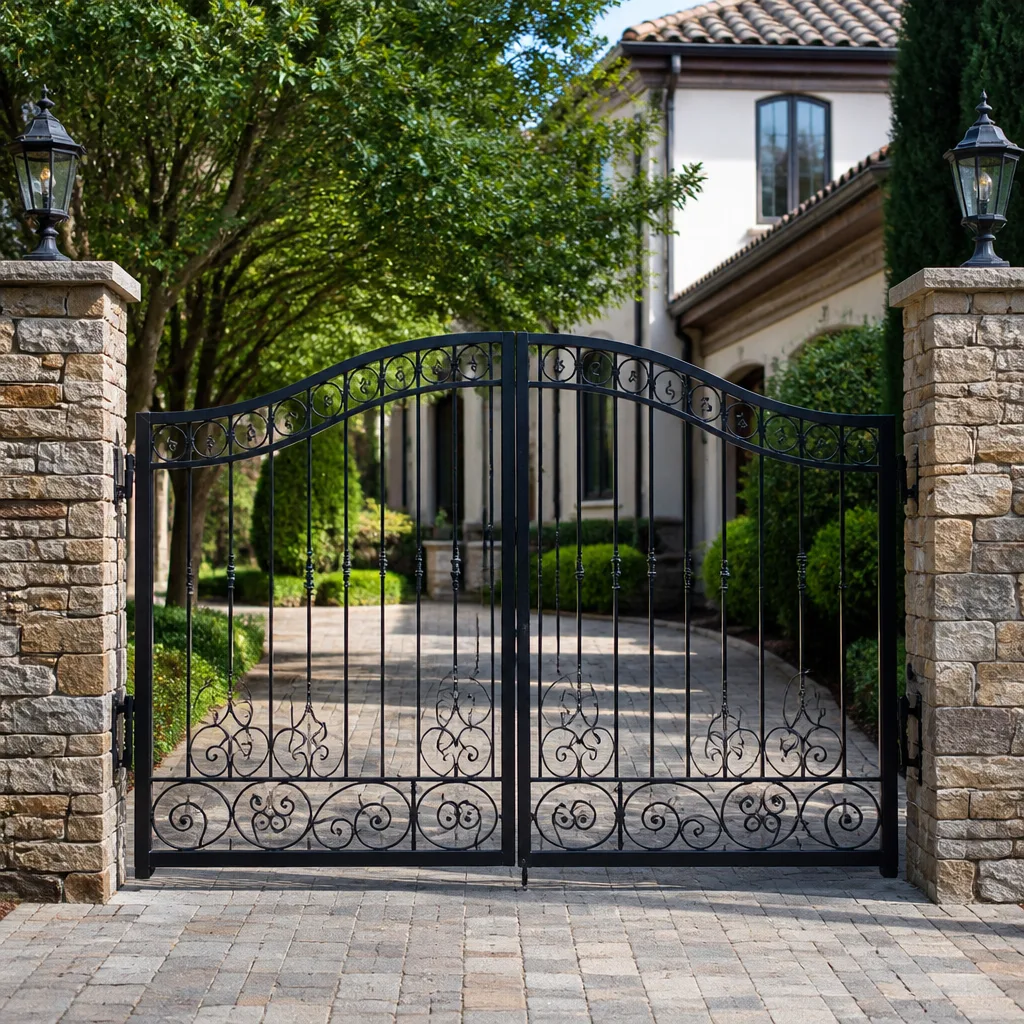 Wrought iron
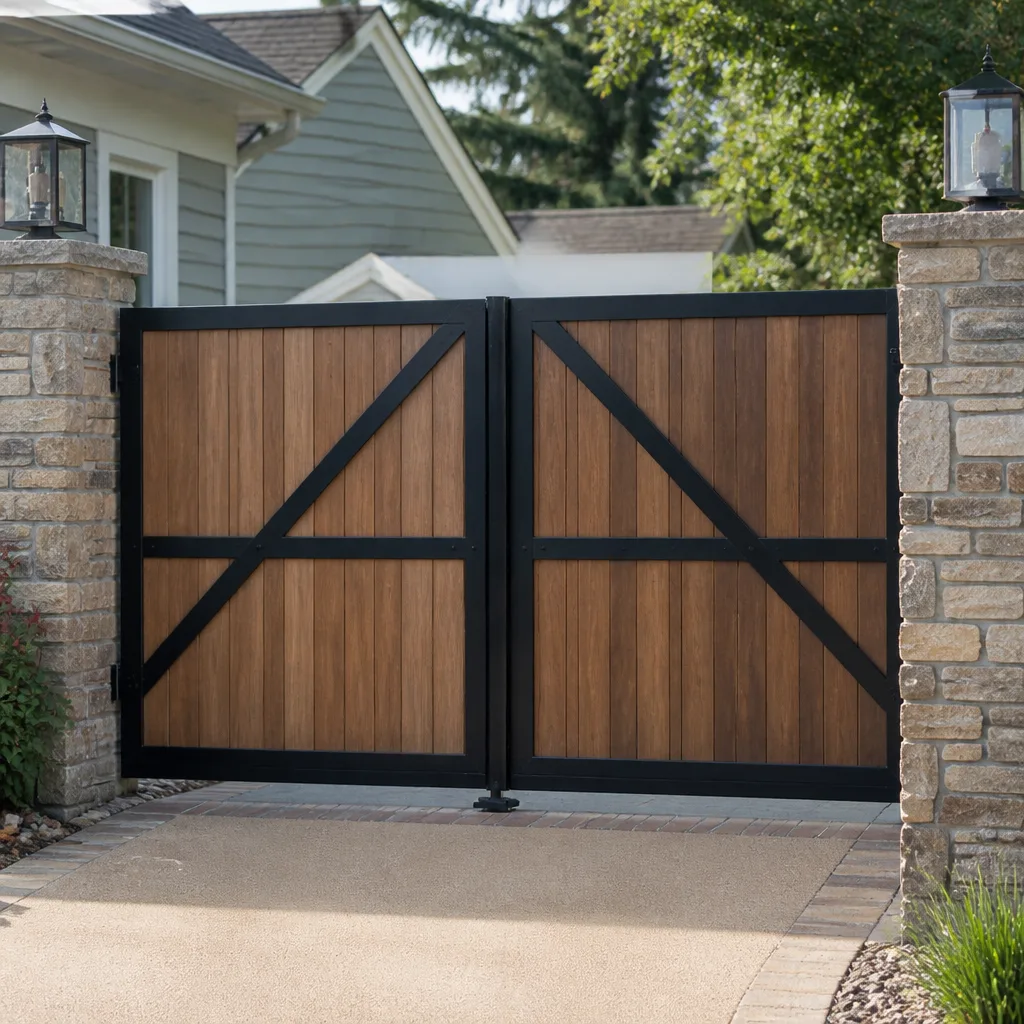 Wood & steel frame
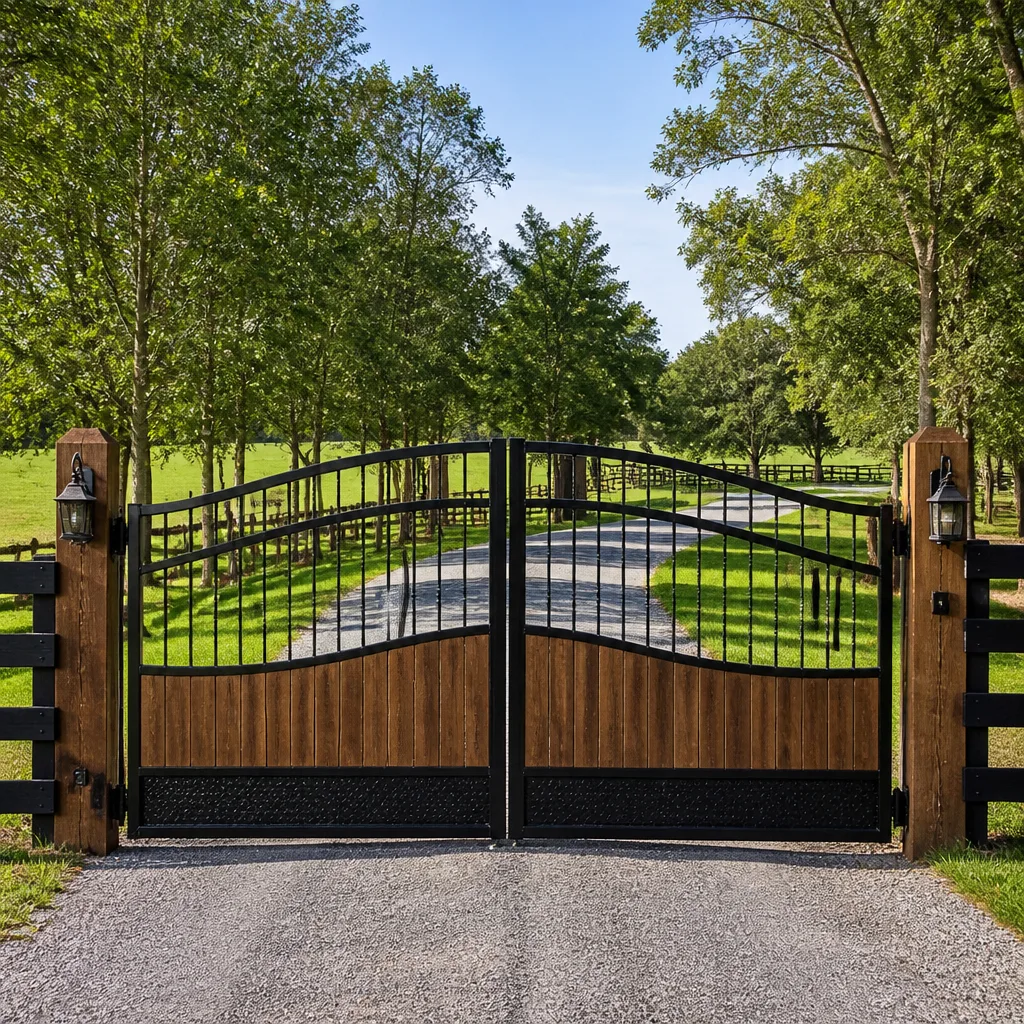 Farm & ranch
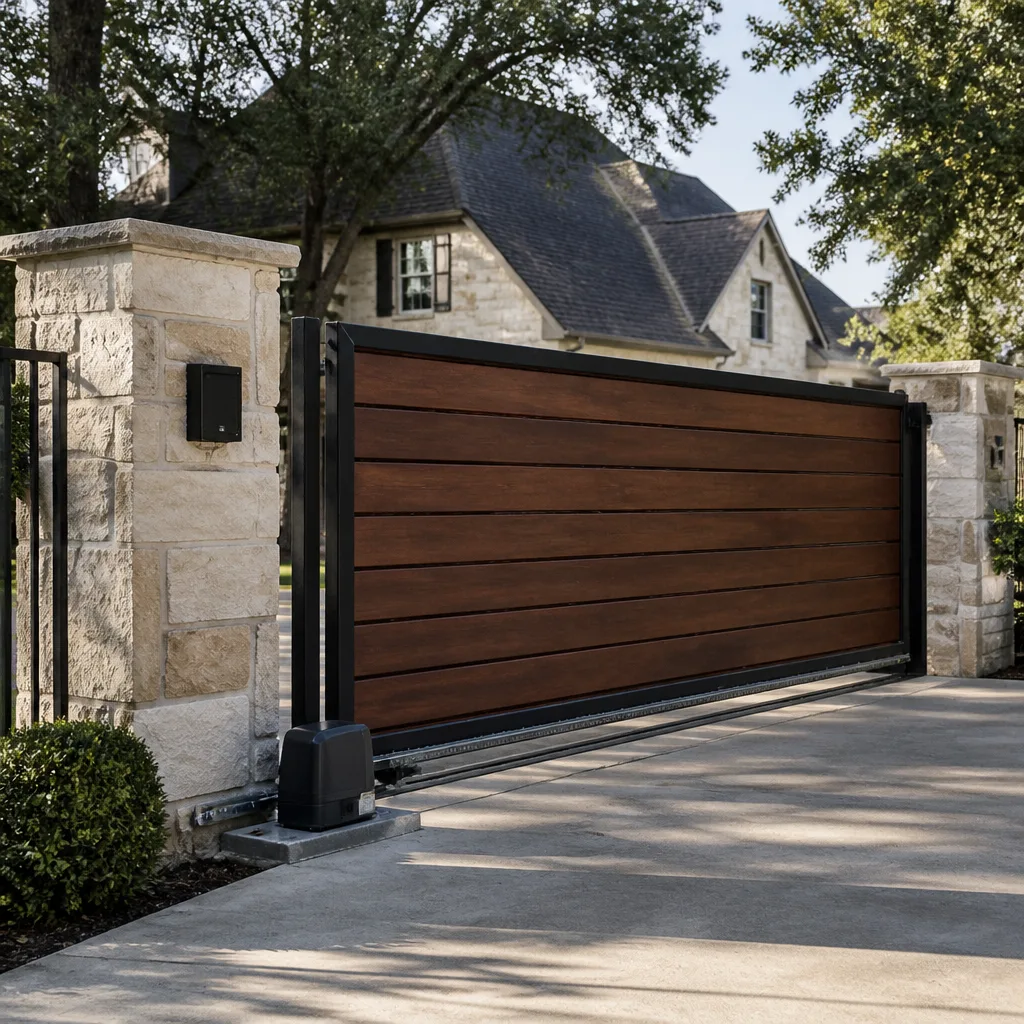 Sliding driveway gates
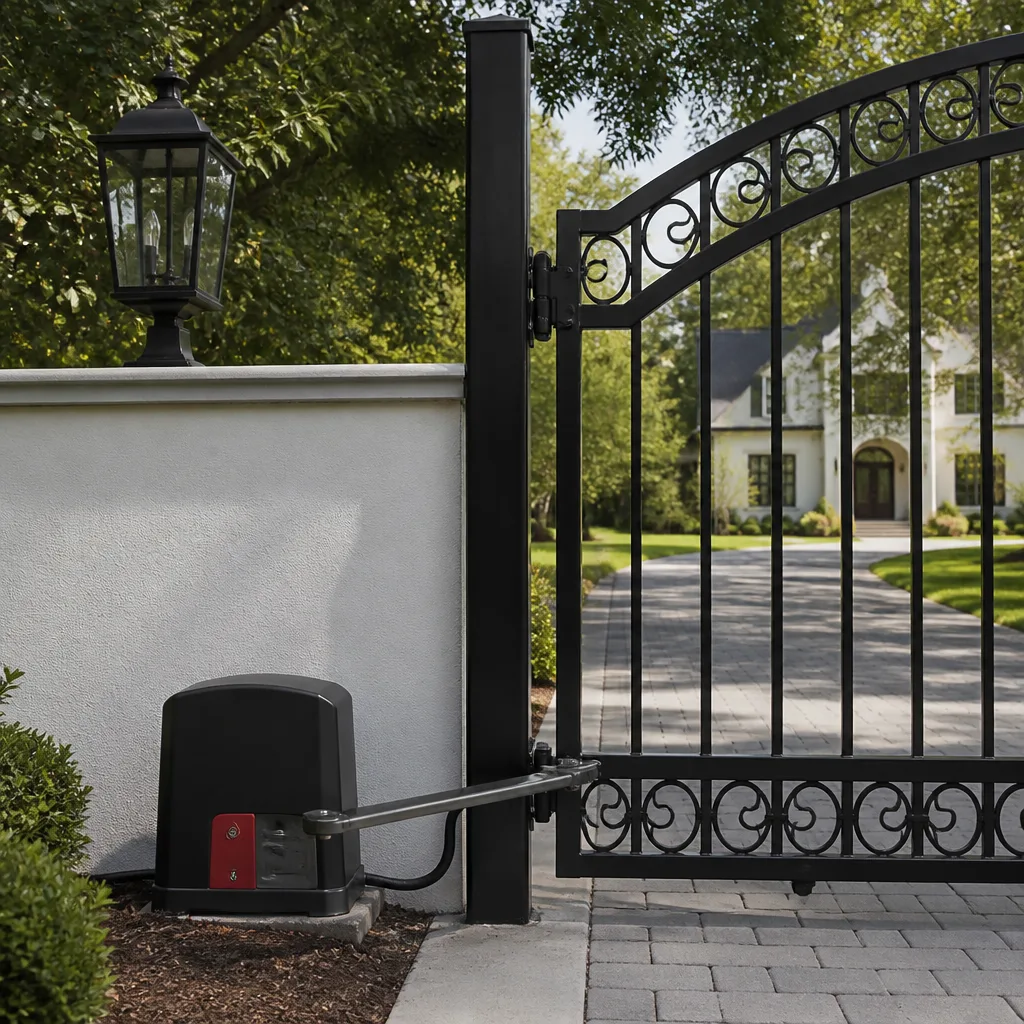 LiftMaster operators
Free on-site gate assessment - hinges, posts, and your LiftMaster or Nice gate operator checked before anything is quoted
The assessment is free and the quote is the invoice.
Get your free estimateThe Complete Gate Access Control Guide for Boulder City Homeowners
Smart access control is the fastest-growing gate upgrade in Boulder City right now, and the support call we take most often comes from a homeowner whose $800 video intercom stopped working because the company that made it discontinued the app. The hardware was still shiny. The gate still swung. But the credentials, the guest codes, the whole entry system lived on a server that no longer existed. That is the trap we want you to avoid. This guide treats access control as a system, not a product. You will learn how the credential, communication, and power layers fit together, what Boulder City’s gated communities actually require for guest and emergency access, and how to pick an intercom that still works in five years. The decisions you make before the first trench is dug are the ones that decide whether you think about your gate again or call us in a panic.
Quick Answer
Gate access control in Boulder City is a three-layer system: the credential (keypad, fob, card, phone, or biometric), the communication type (hardwired, WiFi, or cellular), and the power source. Choose all three together for your site, not independently. A locally-controlled keypad with a hardwired or cellular connection will keep working when the internet or a manufacturer’s cloud goes down; a cloud-only video intercom can become a useless box the day its app is discontinued. Match the system to how you actually use the gate and who needs in.
Styles & brands we work with
- Wrought iron
- Wood & steel frame
- Farm & ranch
- Sliding driveway gates
- LiftMaster operators
Table of Contents
- The Three Layers of an Access Control System
- Choosing Your Credential Type
- Communication and Power: The Decisions That Break Systems
- Cloud-Dependent vs. Locally-Controlled Access
- Intercom Options, Honestly Compared
- HOA Access Control Requirements in Boulder City
- Integration: What Works With Your Opener
- Common Mistakes to Avoid
The Three Layers of an Access Control System
Most homeowners shop for access control one box at a time. They pick a handsome video intercom, then a keypad for the side gate, then a phone app because everyone has one. Six months later nothing talks to anything, the app wants a monthly fee, and the keypad forgets the codes every time the power flickers.
An access control system has three layers, and they have to be chosen as one. The credential is how a person proves they belong: a code, a fob, a card, a phone, or a fingerprint. The communication layer is how the system talks: through a buried wire, over WiFi, or over a cellular signal. The power layer is what keeps the electronics alive: a transformer from the house, low-voltage wire, a battery backup, or solar on an isolated post.
Why does it matter that you decide them together? Because each layer constrains the others. A biometric reader needs steady power and a stable data connection; skip either and it locks people out. A WiFi intercom needs a strong signal at the gate, and in Boulder City’s older walled properties the gate is often forty or fifty feet from the router, behind stucco and block. Cellular solves that distance problem but brings its own subscription and coverage questions.
We’ve seen this repeatedly in the Historic District, where brick walls and deep lots bounce signals in ways a product spec sheet never mentions. The fix isn’t a better box. It’s treating the driveway as a site with real constraints, then building a system that fits it. That is the same approach we take on every Gate Motor & Opener job: the opener and the access control are one mechanism, not two.
Choosing Your Credential Type
Credential choice comes down to who needs in, how often, and how much friction you’re willing to give them. Here’s how the five common options compare for a Boulder City home.
- Keypad code: Cheapest and simplest. Great for family, a housekeeper, or a landscaper. The weakness is sharing; codes leak and get reused. Use individual codes per person and change them.
- Fob or remote: Push-button convenience, no memorizing. Works without an internet connection. Fobs get lost, so buy a system you can deactivate one fob at a time.
- Card: Durable and good for a household with several regular visitors, but more moving parts than a fob and overkill for a single residence.
- Smartphone: The most convenient for the homeowner, and the most dependent on the manufacturer’s app and servers. Choose it because it’s useful, not because it’s the only option.
- Biometric: No lost fobs, no shared codes. Fingerprint readers are steadily improving but demand steady power and a clean data connection; they work best when hardwired.
For a household that is home most days and wants nothing to break, a hardwired keypad plus fobs is the dependable pairing. For someone who splits time between Boulder City and another state and wants to let a contractor in remotely, a phone-app system earns its keep, but only if you’ve confirmed the app is still supported and the cloud dependency is acceptable.
The credential layer also sets your guest policy. If you regularly host visitors, the credential needs a graceful guest path: a temporary code, a one-time pass, or an intercom call. Pick the credential before you buy a single piece of hardware.
Communication and Power: The Decisions That Break Systems
The two decisions that break more access control systems than any other are communication and power, and they’re the ones homeowners think least about.
Communication comes in three flavors. Hardwired is a physical data cable, either to the house network or to a controller. It is the most reliable and the hardest to retrofit because it means trenching. WiFi is cheap and easy, but it depends on signal at the gate, which is exactly where it’s weakest. Cellular skips your home network entirely and talks to a mobile network, which is ideal for a distant gate or a property you don’t occupy daily.
Power matters just as much. Access control electronics need the right voltage, a corner that stays dry, and a plan for what happens when the power goes out. A battery backup keeps your credentials alive during an outage, but only if the installer sized it for the electronics, not just the gate motor. Solar is a real option for a post at the property line with no buried power.
- Walk the gate and note where the electronics will sit. Is it shaded? Dry? Reachable for service?
- Measure the distance to your router or network switch. If it’s beyond a reliable WiFi reach, plan for hardwired or cellular.
- Decide whether the gate needs to open during a power outage. If yes, specify battery backup for both the opener and the access electronics.
- Confirm you have a place to mount the intercom or keypad that a visitor can reach without stepping onto the property.
Getting these four steps right before purchase saves the most expensive part of the job: tearing out a choice that seemed fine on paper. If you want a gate that opens and closes dependably for the next decade, this is the groundwork that makes it happen.
Cloud-Dependent vs. Locally-Controlled Access
This is the decision the opening story turns on, and it deserves a plain explanation.
A cloud-dependent access system stores credentials on the manufacturer’s servers. Everything you do runs through their app and their network. A locally-controlled system keeps the logic on your own equipment at the gate or in the house; the internet may carry phone-app convenience, but the core entry decisions don’t leave your property.
- Cloud-dependent is convenient: remote management, live video, easy guest codes from anywhere, and automatic updates.
- Cloud-dependent carries risk: if the manufacturer goes under, moves to a paid tier, or has an outage, your gate access can fail. The app becoming unavailable is a real failure mode.
- Locally-controlled is robust: codes, fobs, and credentials work whether or not the internet or a company’s servers are running.
- Locally-controlled is steady: fewer things can break, and the people who service it can serve it in person.
Our practical advice: insist on a local control path for the credentials, then add the cloud only for the convenience features you actually use. Ask one question before you buy: if the maker’s servers go dark tomorrow, can my family still get in with a code or a fob? If the answer is no, you’ve found a single point of failure. A system built around a locally-controlled keypad, with a phone app on top, gives up nothing that matters and keeps the gate working in a snowstorm of bad news.
Intercom Options, Honestly Compared
The intercom market is crowded and confusing, so we’ll tell you straight what each option does well.
- Audio-only: A visitor presses a button, you talk through a speaker, you decide whether to buzz them in. It’s the simplest and least expensive, and it works fine without a screen. Best for a short driveway where you can see the gate from a window anyway.
- Video: You see the visitor before you unlock. Good when you can’t see the gate from the house or want to verify a delivery person before buzzing them through. It needs more data and a screen at the house.
- Two-way video with remote unlock: You see and hear the visitor and open the gate from your phone, anywhere. This is the most convenient and the most dependent on the cloud and a reliable connection.
Real use-case guidance: a primary residence where you’re home most days does well with audio-only or a basic video intercom in the house; your family uses codes and fobs and the intercom is just for the occasional guest. A vacation property or a home you leave for months at a time is the case for remote video: the whole point is seeing who’s at the gate when you aren’t there. But that property needs the strongest communication layer, ideally cellular, because nobody is around to reboot a router.
In our experience, the intercom fails most often for reasons unrelated to the intercom: a dead network connection, a lapsed app, a power problem. Choose the connection first, then the intercom.
HOA Access Control Requirements in Boulder City
Boulder City’s gated communities come with an extra layer of rules, and access control has to satisfy both the homeowner and the board. Two provisions come up in almost every gated community, and both are better handled before the system is finalized.
Guest management is the first. Most boards want a way to admit visitors, deliveries, and service people without handing out the resident’s main code. Individual temporary codes, an intercom call from the gate, or a resident-controlled remote unlock each do this. The key is a guest path that doesn’t expose your permanent credentials.
Emergency service access is the second. Fire, medical, and utility crews need a reliable way through the gate in an emergency. Most communities provide a shared emergency access method or a local-key mechanism the first responders already know. Confirm with your board how that’s handled at your gate, because your access control choice must not break it. A gate that won’t open for an ambulance is a liability, not a feature.
Beyond those, boards often ask for:
- A written record of who holds credentials and how they’re revoked.
- A plan for what happens when a resident moves out and takes a fob with them.
- Intercom or call-box access for guests so the board isn’t issuing permanent codes.
- A way for board or service people to get in after hours without disturbing residents.
In our work around Boulder City’s gated enclaves, the smoothest jobs are the ones where the homeowner checks the board’s rules first and we design the system to match. That is why a free second opinion on any written estimate is worth taking; it catches these conflicts before they cost money.
Integration: What Works With Your Opener
Access control only shines when it talks to your gate motor cleanly, and that is where brand compatibility matters.
Some access keypads and controllers work natively with the major openers and some openers will only respond to their own control inputs. The reliable approach is to confirm compatibility before buying. Our technicians are trained on the major gate-automation brands, including FAAC and BFT, so we know which pairings are native and which need a small interface module to bridge the two. A bridge device is fine; it just has to be planned, powered, and mounted where it can be serviced.
Where integration gets limited, you’ll usually accept one trade-off: an app that controls entry but not the gate’s motion, or a keypad that opens the gate but doesn’t report activity to your phone. Neither is a defect; it’s a specification. The trick is choosing the limitation on purpose rather than discovering it later.
A few integration rules we live by:
- Match the access controller’s output type to the opener’s input. This is the most common mismatch we correct.
- Confirm the credential system supports the opener’s brand before you buy.
- Budget power for the interface device, not just the keypad.
- Keep the interface where it can be reached for service.
If you’re starting from scratch, a Gate Installation project is the moment to settle integration, when the operator and access control are chosen together. If you’re upgrading an existing gate, our Gate Repair service can trace what your current setup will accept and what it won’t.
Common Mistakes to Avoid
- Buying the app, not the system. A gorgeous phone-controlled intercom with no local control path is one server outage from a dead gate. Insist on a local keypad or fob backup.
- Ignoring the communication layer. A WiFi intercom chosen for price, then installed forty feet from the router behind block, fails on day one. Match the connection to the site.
- Skipping power backup for the electronics. The opener has battery backup but the keypad doesn’t, so the gate opens for no one during an outage.
- Designing guest access after the fact. If the credential choice has no clean guest path, you’ll hand out one code to everyone and lose control of it.
- Forgetting the HOA emergency access provision. A system that blocks first responders is a real liability. Confirm the emergency method at your gate before locking in a design.
- Assuming every access device fits every opener. Compatibility is a specification, not a guess. Check it before you buy.
- Never recording who holds a fob. Fobs leave with former residents and old contractors. Keep a list, and buy a system that lets you revoke one at a time.
Most of these mistakes are cheap to avoid and expensive to undo, especially when the wiring and trenching are already in place. When you’re ready to review an existing setup, our Ironworks Gate Co. Boulder City home page is the place to start.
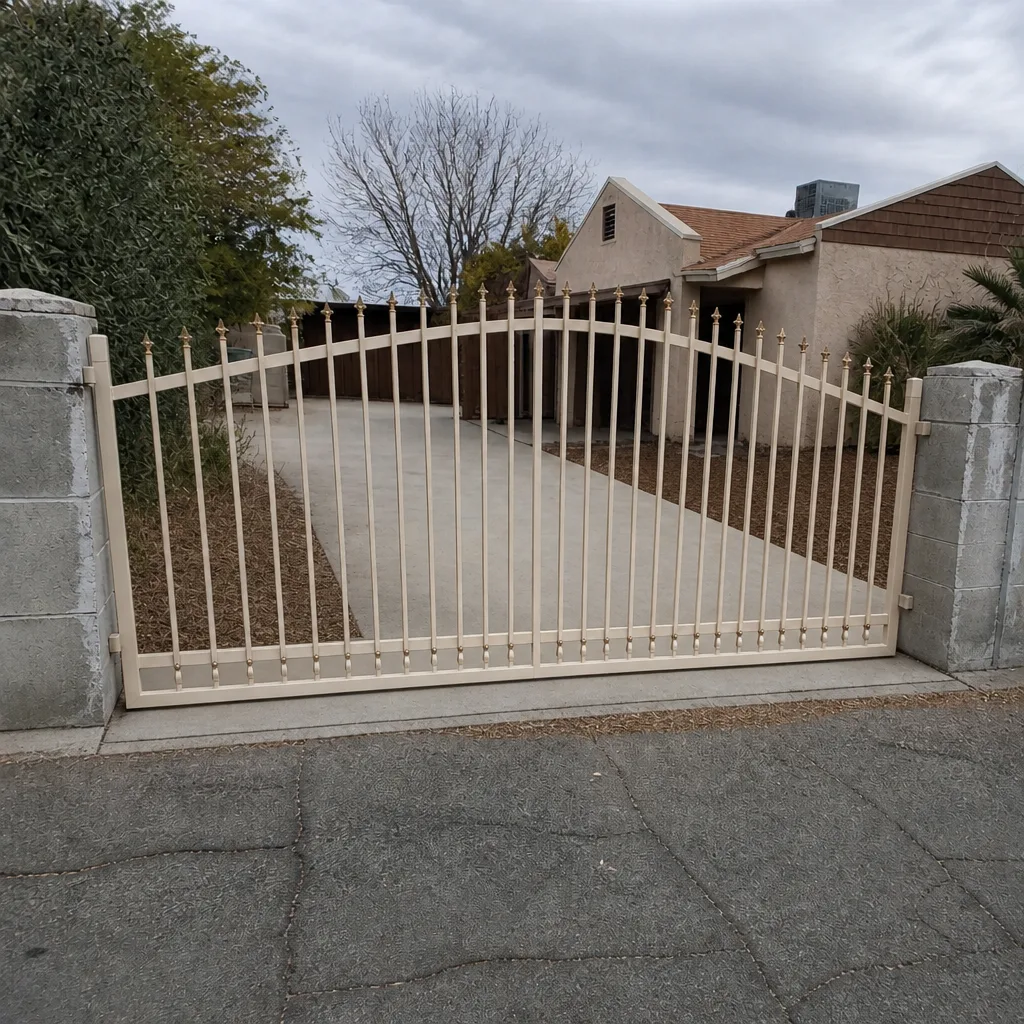
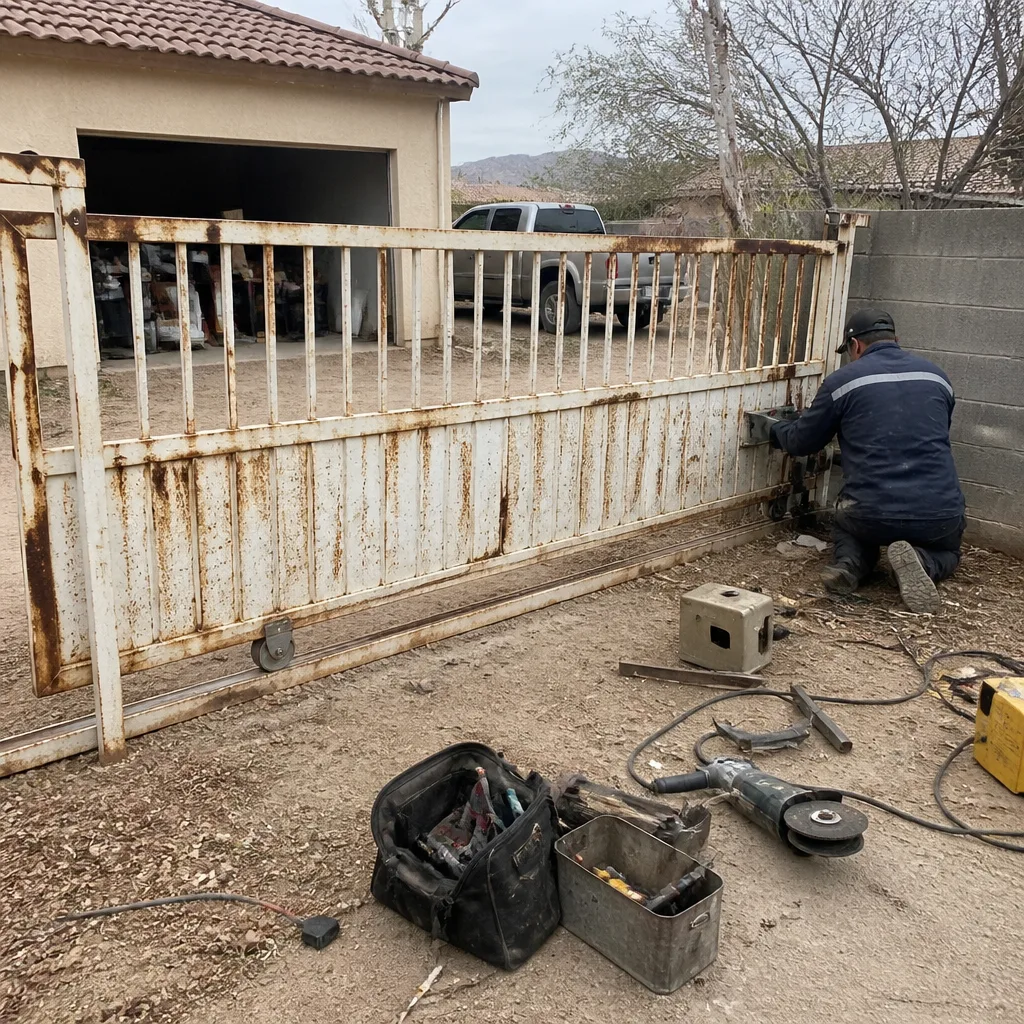
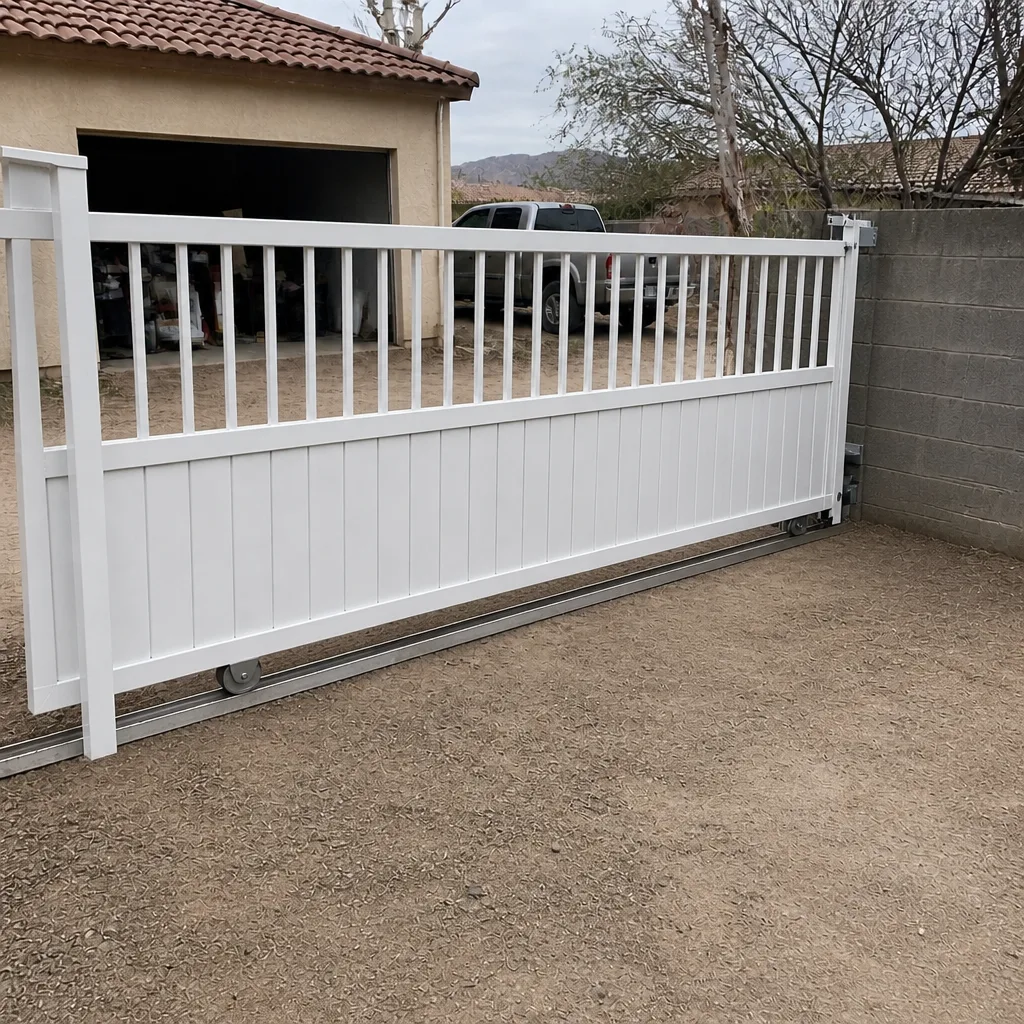
See the difference
 Before
 After
 Before
 After
 Before
 After
When to Call a Professional
Access control sits in the overlap of low-voltage wiring, network configuration, and gate automation, and the intersection is exactly where things go wrong. Call a professional if your gate is opening on its own schedule, if your intercom failed after an app update, if you’re adding a system to an existing opener and don’t know its brand, if the power dies and your credentials stop working, or if a power surge has knocked out the electronics. Call us before you buy something that looks good on paper but won’t fit your gate or your network. Ironworks Gate Co. Boulder City offers free estimates in Boulder City, and our technicians are trained across nine gate-automation brands so the right fix happens on the first visit. Call (888) 276-7609. Every job we complete is covered by the written 90-Day Done Right Promise.
Frequently Asked Questions
Not necessarily. A locally-controlled keypad or fob system works without internet; only the remote phone features need a connection. If you want app control, confirm the system keeps local code or fob entry as a backup. Choose the design around what happens when the internet is out.
A hardwired keypad with fobs on a local controller is the most reliable combination, backed by battery power for the electronics. Add an intercom for guest and delivery calls. Choose hardwired or cellular over WiFi when the gate is distant from the router. Call (888) 276-7609 for a free estimate.
If your credentials live only in that app, your gate access can fail. That’s why we design with a local keypad or fob path for the credentials and treat the app as a convenience. Before buying, ask the seller what keeps working if their servers go away.
Usually yes, if the access controller matches the opener’s input type. The technician confirms the brand and the compatible interface before quoting. Some pairings are native and some need a small bridge module; we plan for either. Call (888) 276-7609 to review your opener.
Only if you specify battery backup for the opener and the access electronics. The opener may open for a while, but if the keypad’s power is lost, no one gets the code in. Ask for backup sized for the full system.
Most do, as long as they support guest management and the community’s emergency access provisions. Check with your board before choosing a system, and design your guest path around temporary codes or intercom calls. A free second opinion on your plan can catch conflicts early.
The Bottom Line
Access control is a system, not a box. Treat the credential, the communication type, and the power source as one decision, and pick the connection that fits your site before you pick the keypad. Insist on a local control path so a manufacturer’s cloud outage or a discontinued app can’t lock you out, and match the hardware to your opener brand so a bridge device is planned, not discovered. In Boulder City’s gated communities, check the board’s guest and emergency access rules first. Get those layers right and you’ll stop thinking about your gate. Call (888) 276-7609 for a free estimate.
Written by the team at Ironworks Gate Co. Boulder City.